
# Prompting guide
How to write prompts for Create (a new skybox from text). The useful practice is three scene types: Game Skies, Natural Skies, and Interiors. Those are also the starting points in Create.
Model 3 and Model 4 need different prompt shapes. A style preset already supplies medium and quality language. Write the place, not a second style recipe.
- Styles: Get Skybox Styles
- Tool how-tos: Remix · Edit · Image2Pano
# Choose the model first
| Model | Prompt shape | Length | Inference |
|---|---|---|---|
| Model 3 | Comma-separated phrases (not sentences or requests) | About 15 to 50 words of subject | Highly contextual; broad prompts often fill in surroundings |
| Model 4 | Fluent descriptive prose (1 to 3 dense sentences) | Compact; compress if longer | Literal; describe everything you need present |
Pick a style whose sample looks like the world you want. Do not repeat style, medium, or quality words (oil painting, photorealistic, 8k, anime style) in the subject unless no style is selected.
Each section below pairs a Good example with a Poor example for Model 3 and for Model 4. The Game Skies and Natural Skies good pictures are published scenes of that type. Every poor picture, and both Interior pictures, was generated from the prompt under it.
# Shared rules
- Ground and sky: name the ground or floor, and the sky or ceiling. A missing half of the scene can leave a flat sky or a broken horizon.
- No camera language:
close-up,in the foreground,wide angle, andmedium shotdescribe a framed shot. Describe the environment. - Negations in the positive prompt fail:
no people/without treestends to add those things. Put unwanted subjects innegative_text. - Negative text = subject matter only. Style presets already include quality negatives (
blurry,low quality, and so on). Use negatives for objects, creatures, or scene elements to remove. - People, animals, and readable text are unreliable in the first generation. Generate the place, then add them with Edit.
- Enhance Prompt expands a short idea when you want more detail without writing it. If the enhancer returns
503, retry later or disable it. See Errors.
# Model 3
Your prompt is injected into the style template.
- Phrases and direct statements, comma-separated. Not requests (
Please create…) or chatty language (I want,make it). - Order: broadest first. Primary scene, then major elements, lighting, structure, small details, atmosphere.
- Never use negation in the positive prompt.
- One negative word carries a lot of weight. Never put
photoin the negative. A bare color name such asorangecan shift the whole scene. Prefer a pigment name such asamberorburnt sienna.
# Model 4
Model 4 follows natural language closely and literally. Keyword lists, (word:1.3) attention weights, and quality spam (8k, masterpiece, trending on artstation) fight the style preset.
- Fluent prose, not comma-separated tags.
- Put the most important subject first. The opening clause dominates composition.
- Order inside the prose: subject and setting, environment, lighting, atmosphere.
- Stay within 1 to 3 dense sentences. Describe counts and materials explicitly (
three lanterns,wet stone). - Short negative lists work (
people, vehicles,snow,modern buildings).
On Remix, the style description overrides the prompt you type. See Influence.
# Game Skies
A stylized world for a game camera. Name the sky, the horizon, the ground underfoot, and a few landmarks. Leave characters out of this first prompt.
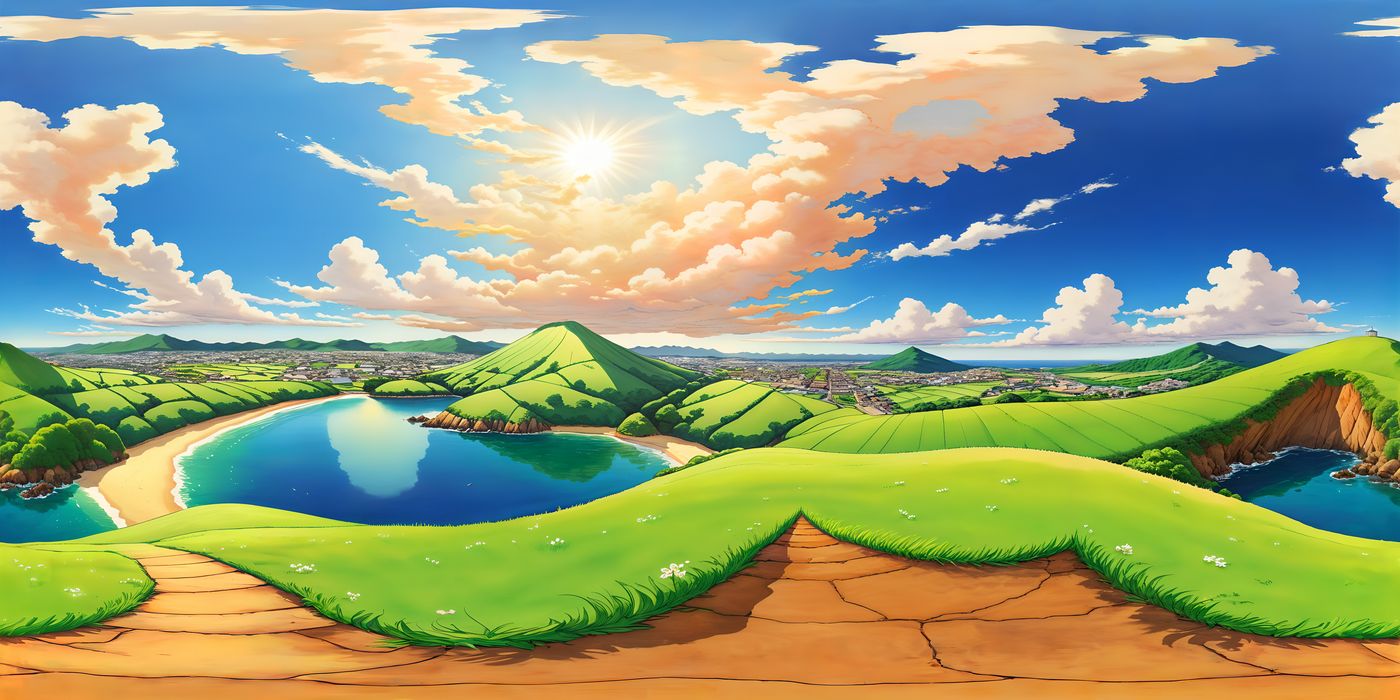
Model 3 — Good example:
bright stylized coastal hills, round green mountains, a blue bay and sandy beach, cracked dirt path underfoot, distant city on the horizon, high sun and warm clouds
Model 3 — Poor example:
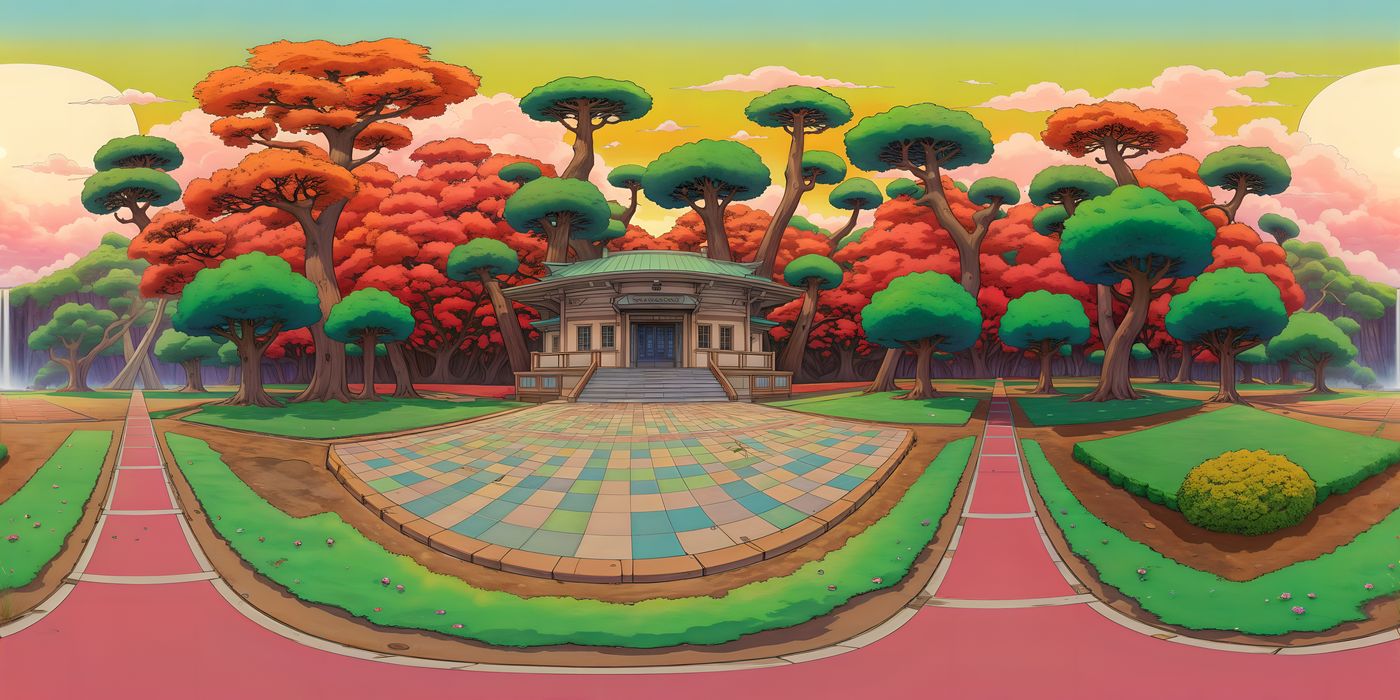
A request. It names the style and skips the place.
Please create a nice anime landscape that looks like a video game
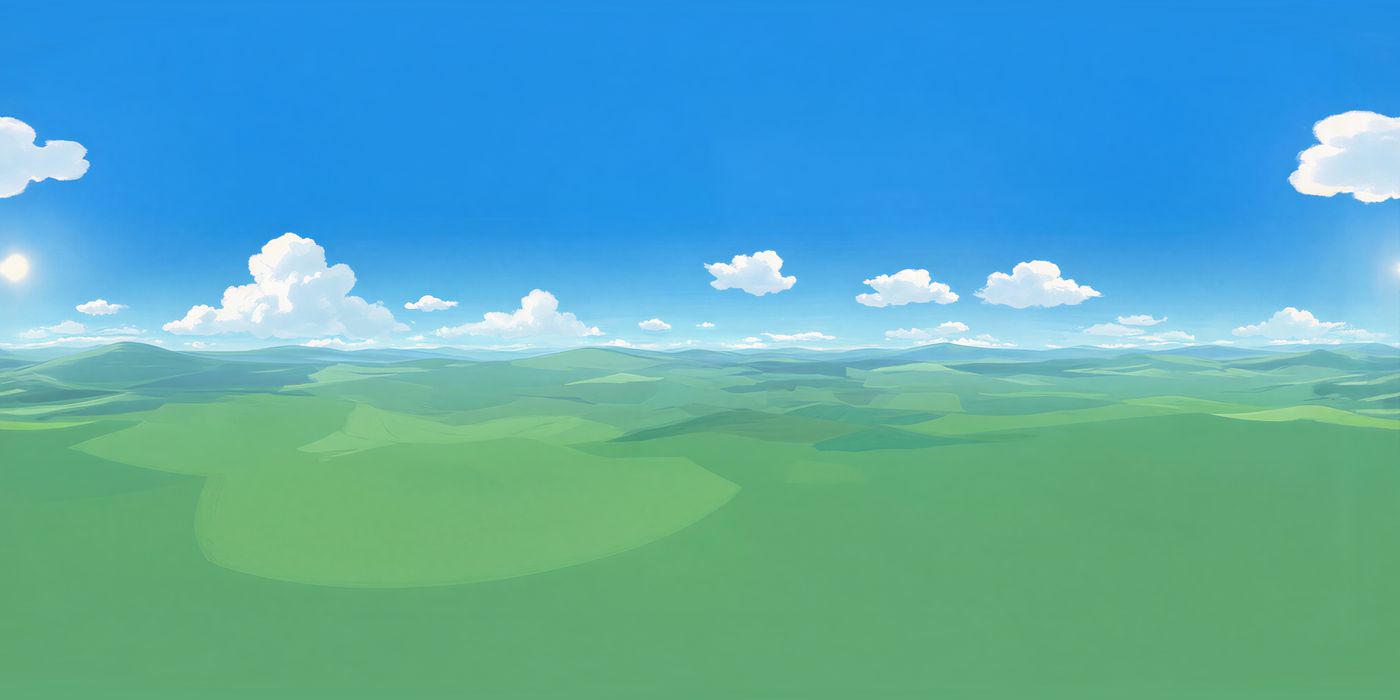
Model 4 — Good example:
Soft green hills roll out to the horizon in every direction under a clear blue sky and a few white clouds. A low sun sits near the horizon, and short grass covers the ground.
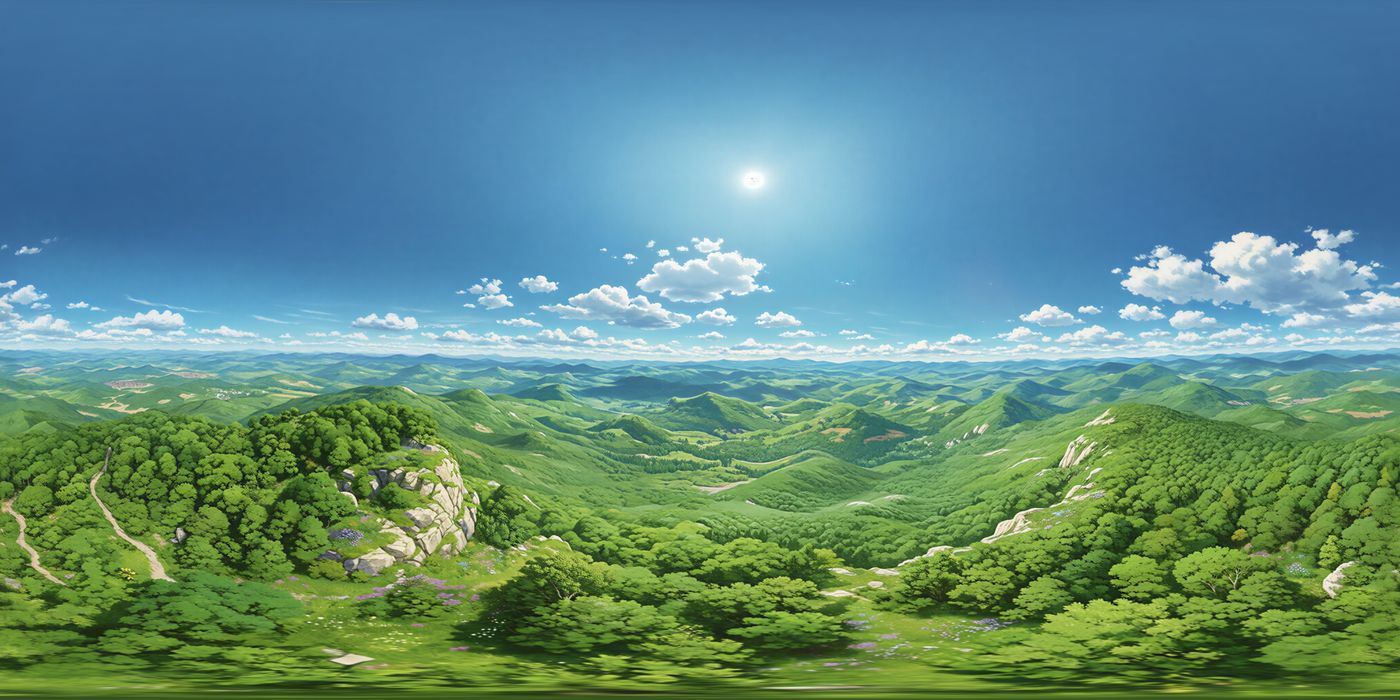
Model 4 — Poor example:
A keyword list with quality words. The bay, the path, and the city are never named.
green hills, anime, 8k, highly detailed, cinematic lighting, masterpiece
# Natural Skies
A sky-dominant scene. Name the sky in every direction, the horizon, and what the ground or water is. A Natural Skies prompt with no ground often collapses into an empty band.
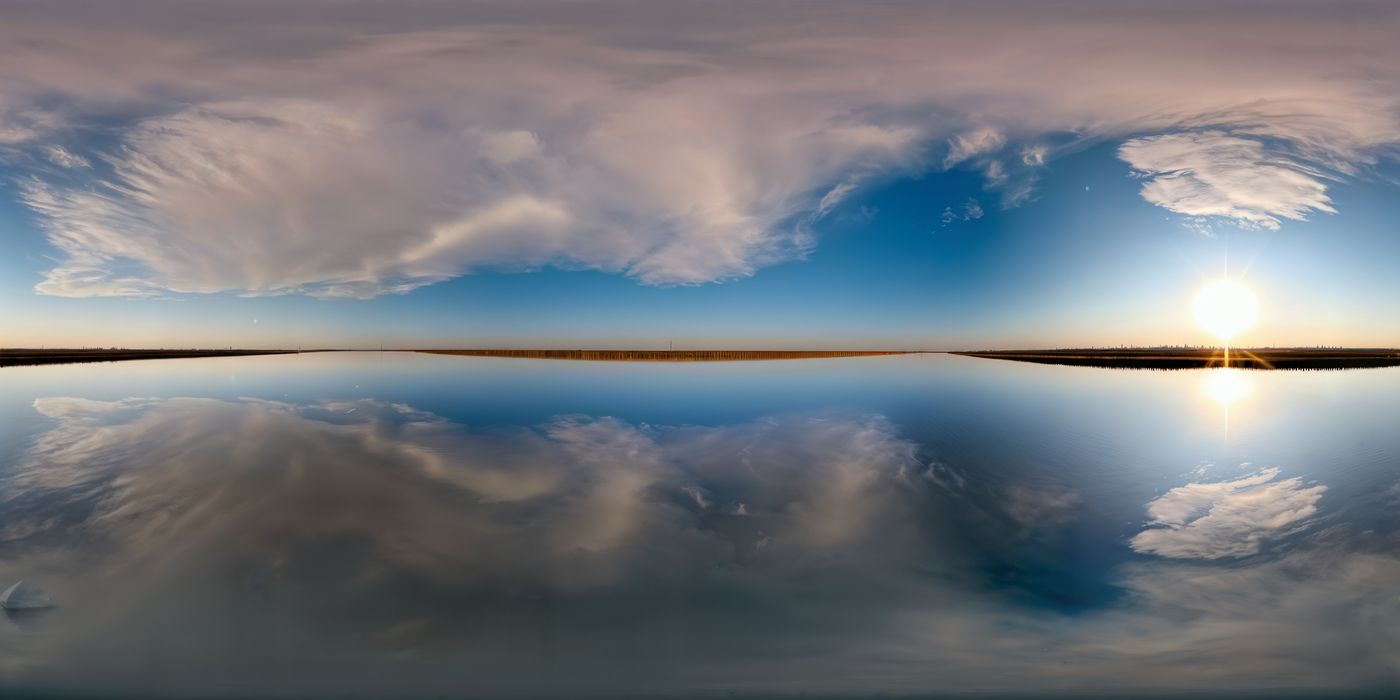
Model 3 — Good example:
wide wetland at golden hour, low sun on the horizon, wispy clouds, still water reflecting the sky, flat distant shore
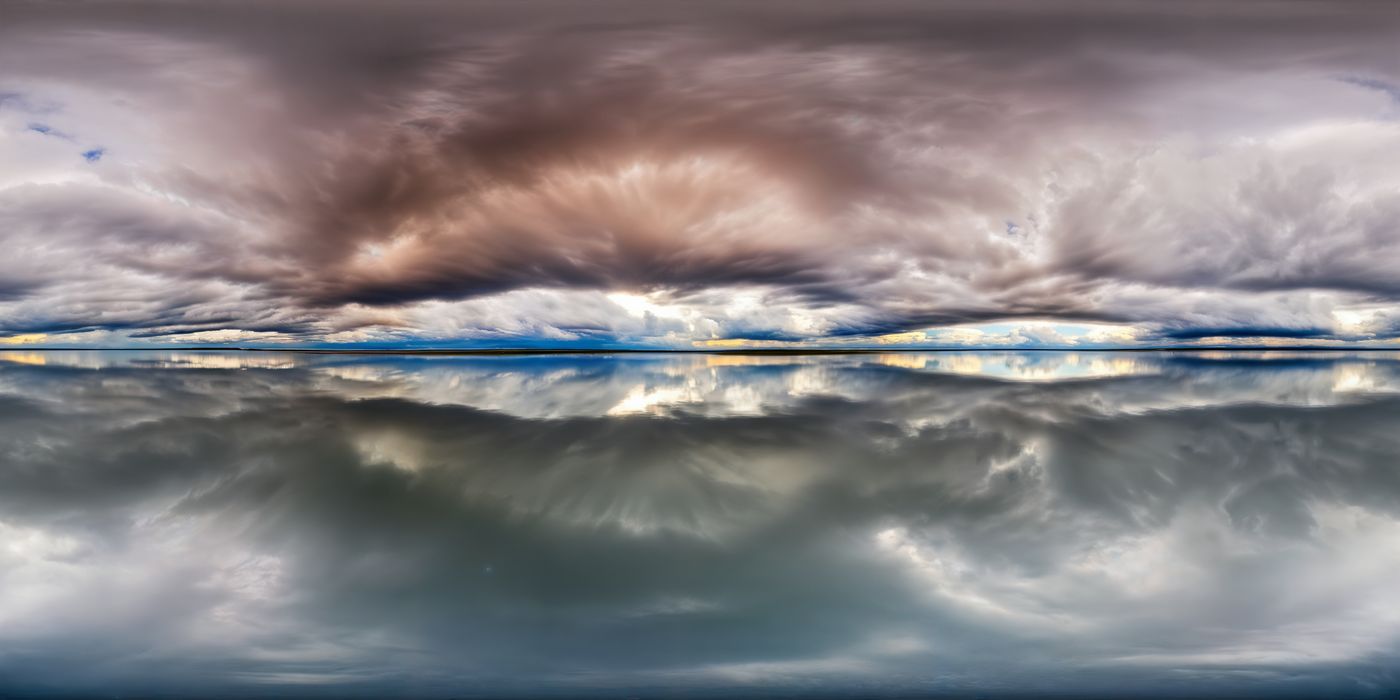
Model 3 — Poor example:
A request. Sky Dome still fills in a storm sky and still water.
Please make me a beautiful sky
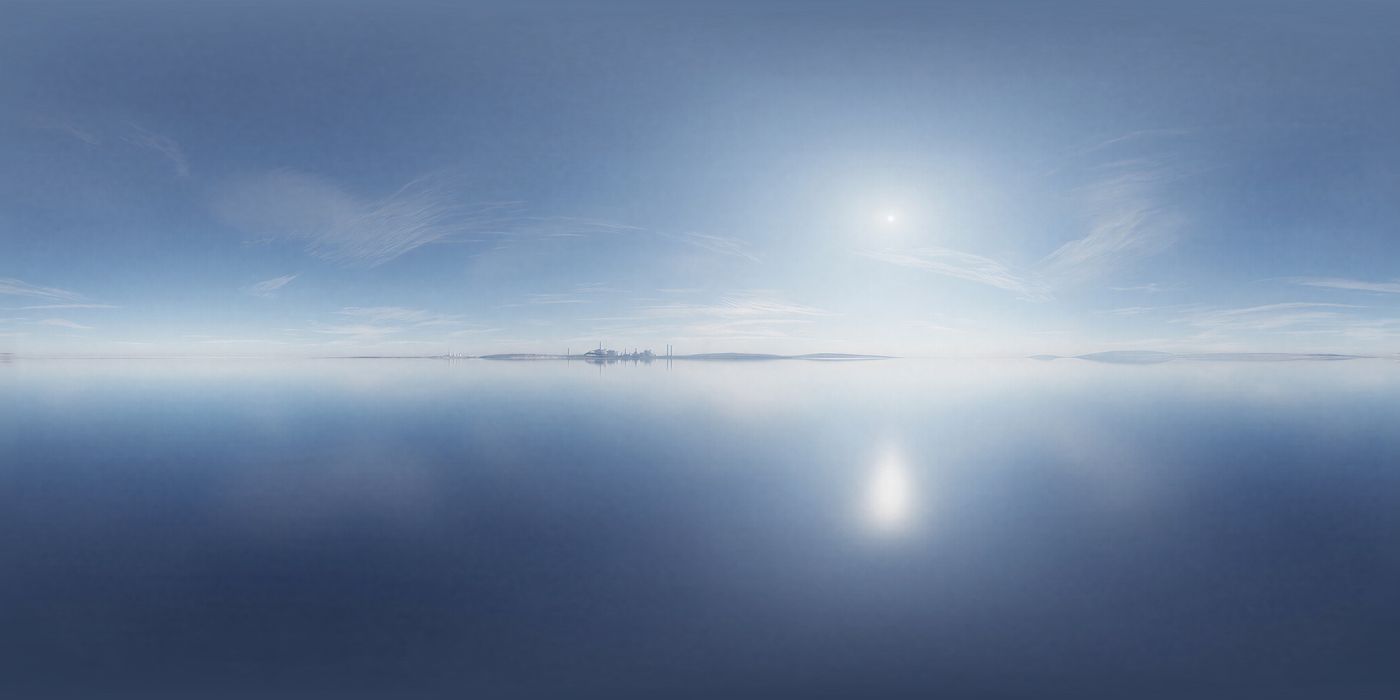
Model 4 — Good example:
A calm pale-blue sea stretches to a low horizon under a bright hazy sun. Thin clouds streak the sky, a faint shore sits in the distance, and the water mirrors the light.
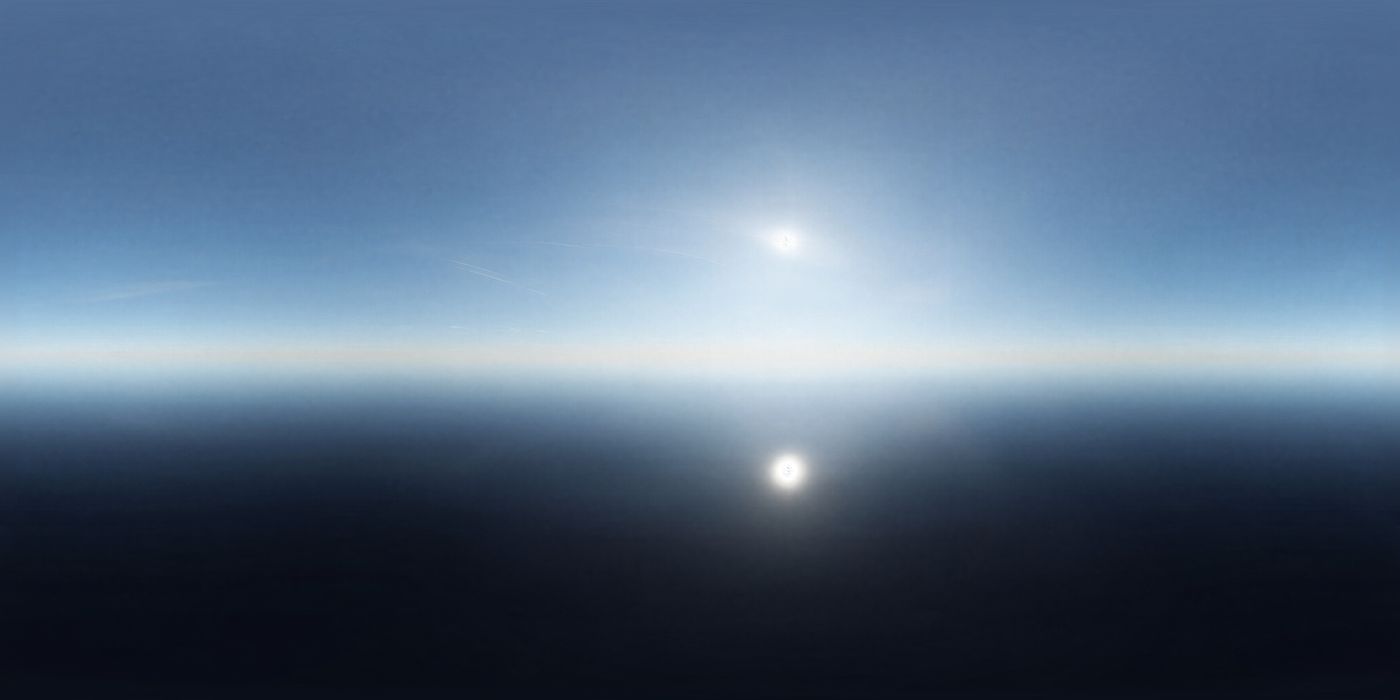
Model 4 — Poor example:
A request in Sky Dome. The sky is an empty band, and the sun is mirrored in a dark lower half.
Please make me a beautiful sky
# Interiors
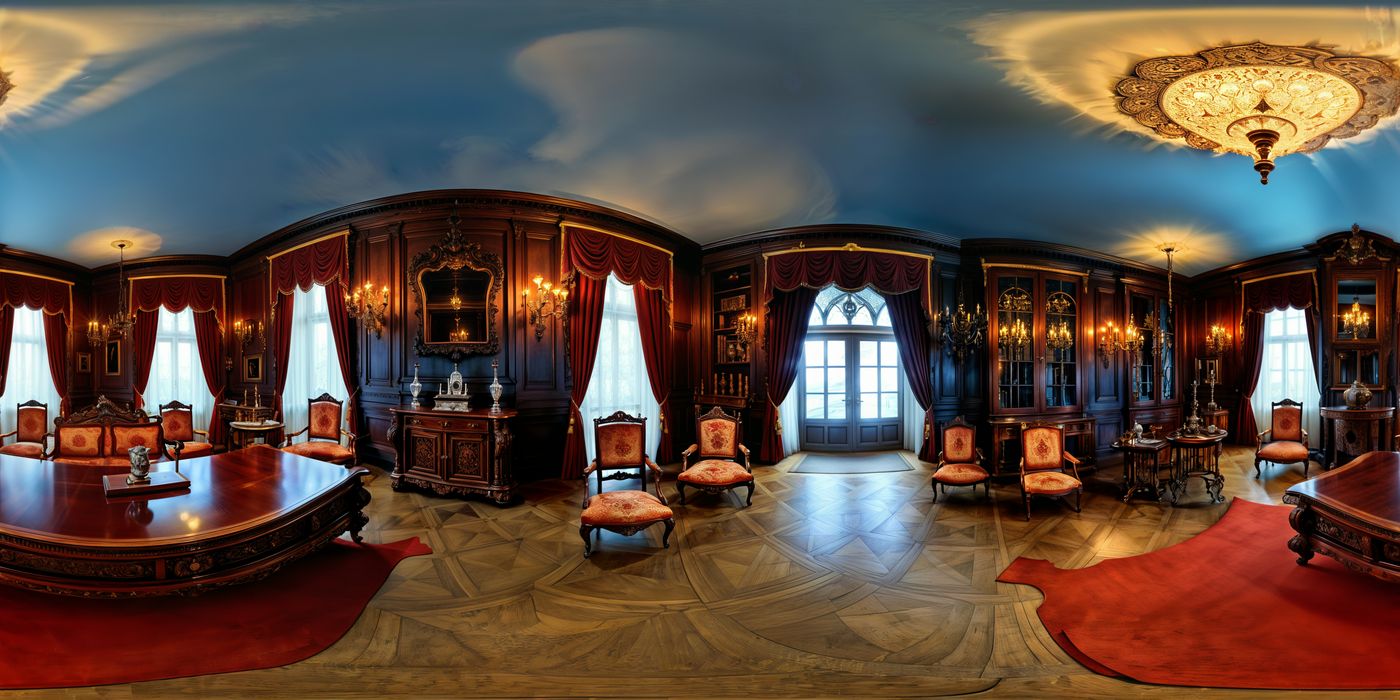
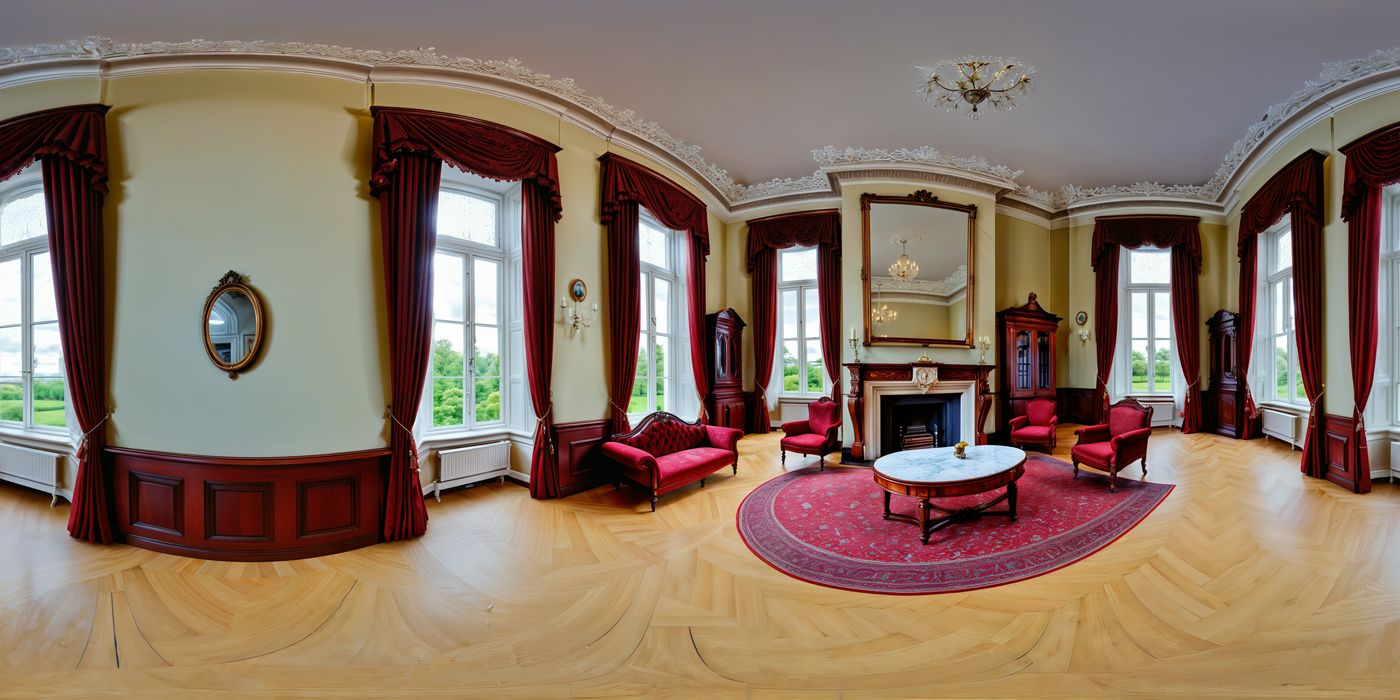
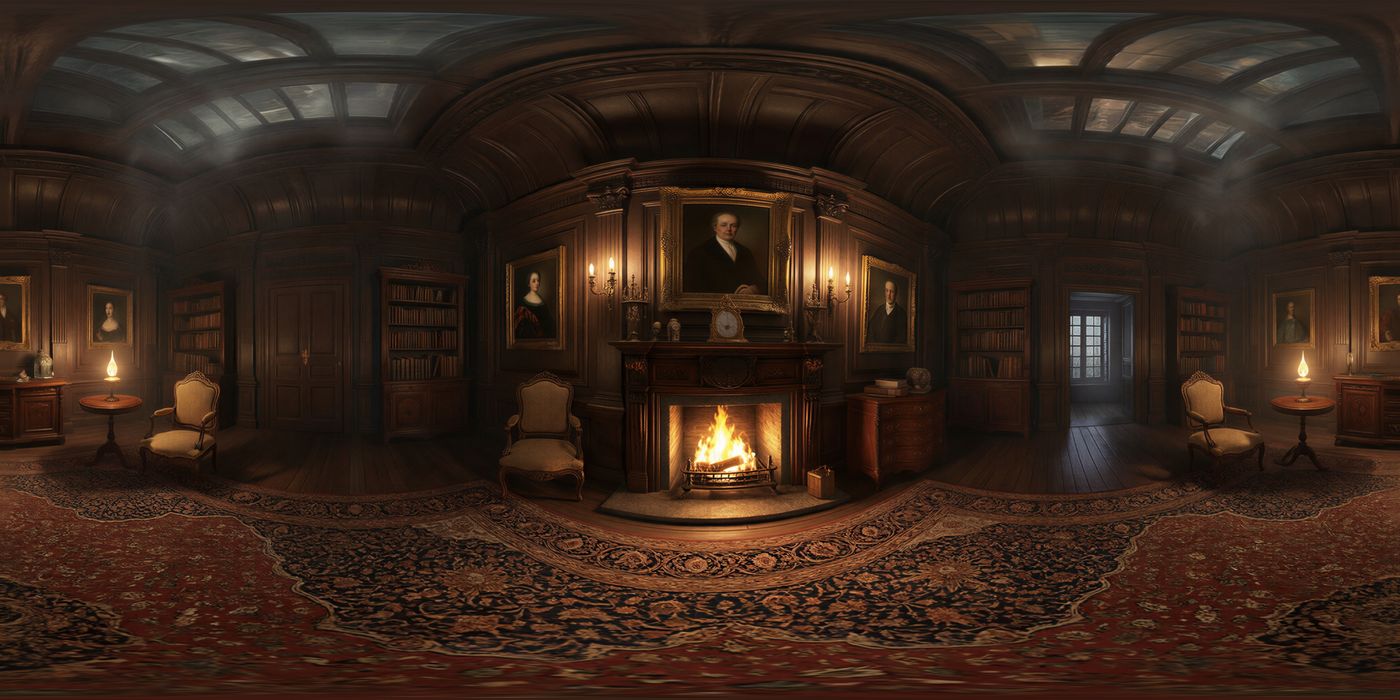
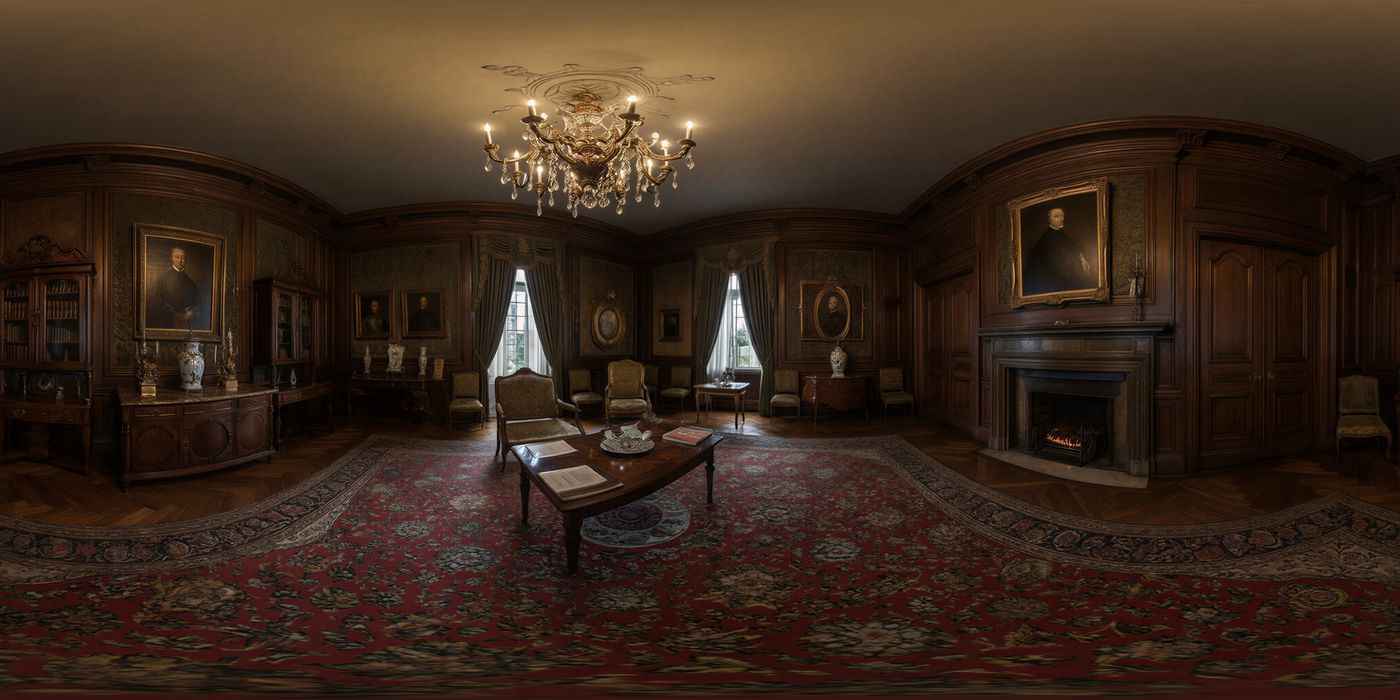
Name the room, the floor, the ceiling, the light, and the main furniture. These two results were generated from the prompts below, both in a photoreal style.
Model 3 — Good example:
a large mysterious opulent Victorian drawing room, intricately carved mahogany furniture, flickering lamps casting moody shadows
Model 3 — Poor example:
A request. The room comes back brighter and more generic.
Please create a Victorian drawing room that has mahogany furniture
Model 4 — Good example:
A vast opulent Victorian drawing room surrounds the viewer, its dark paneled walls lined with intricately carved mahogany furniture, shelves of leather-bound books, and gilt-framed portraits. A crackling fireplace and flickering oil lamps cast warm, moody shadows across an ornate Persian rug underfoot, while a high coffered ceiling looms overhead in a haze of mystery.
Model 4 — Poor example:
A keyword list with quality words. The furniture, light, and materials drop out.
victorian drawing room, mahogany furniture, ornate, moody, 8k, highly detailed, cinematic lighting
# Artifacts
The most common issue is the seam. Where the panorama joins, the left and right edges of the equirectangular image, the picture smears. Check that join on the flat image, and by turning in the viewer until the join is in front of you.
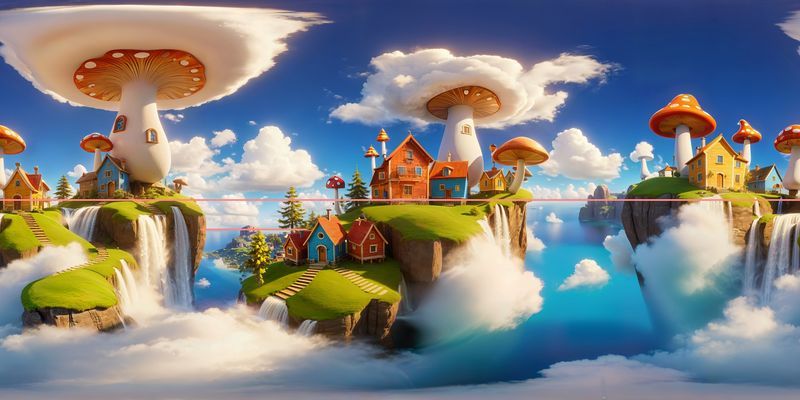
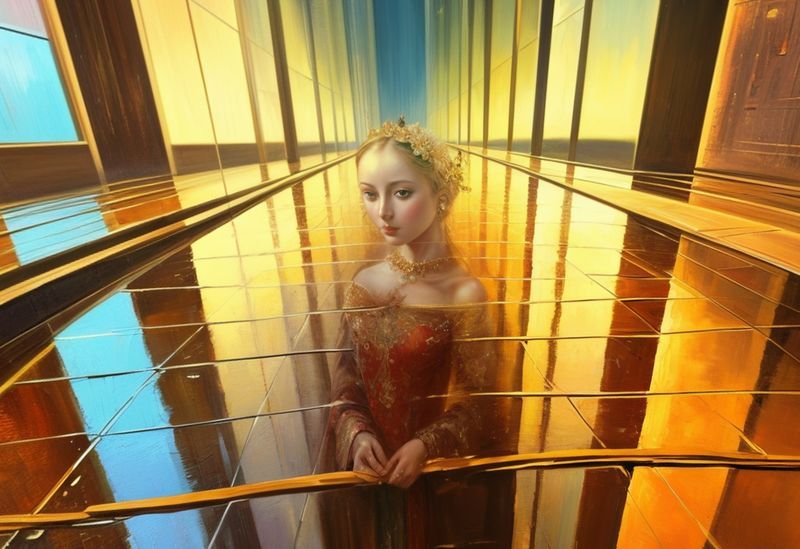
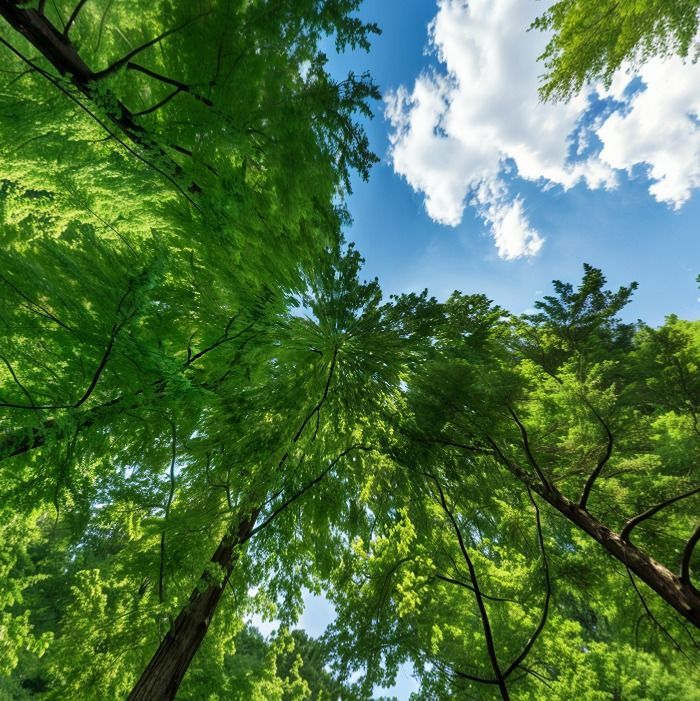
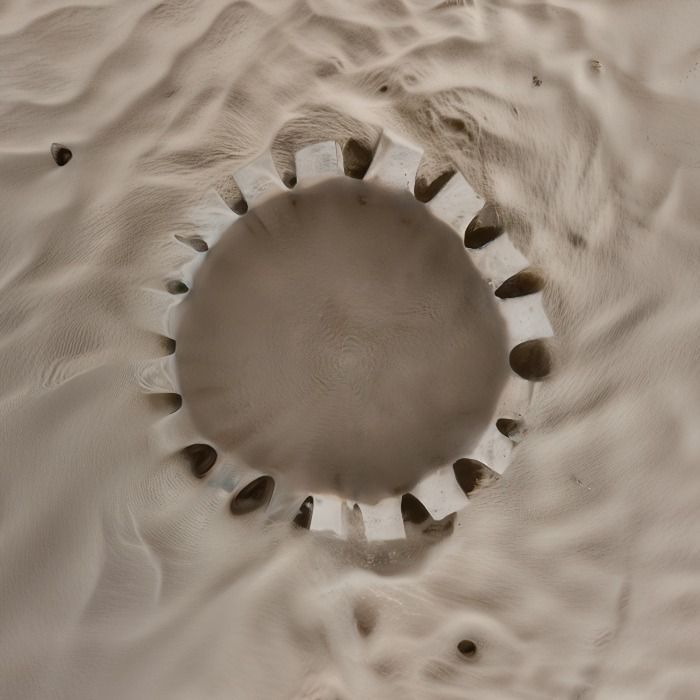
On earlier models a ghost, or another object, can also sit on that seam. The figure below is one of those. The top of the image is the zenith, and the bottom is the nadir.
| What you see | What to change |
|---|---|
| Seam smear | A smear where the image joins. Name surroundings that can wrap, then regenerate. Patch the join with Edit. |
| Ghost, or another object, on the seam | Common on earlier models. Patch that spot with Edit, or regenerate. |
| Horizon line bends | Name the ground and the sky. If the line is only too high or too low, use Shift Horizon. |
| Zenith pinch | Name the sky or ceiling. Keep a single object off the top pole. |
| Nadir pinch | Name the floor or ground. |
| The same tree, window, or lamp copied around the sphere | On Model 4, give a count (three lanterns). On Model 3, shorten a long list. |
| Doors, furniture, or roads that do not meet | Name the material and the structure. Fix one region with Edit. |
| A sign you cannot read | Add the sign with Edit. |
| The style you picked does not show | Remove medium and quality words from the prompt. |
| Something you banned is the subject of the picture | Take it out of the positive prompt and put it in negative_text. |
← Guides