
# Remix
Remix transforms an existing 360° skybox from History, Gallery, or an upload by changing style, mood, time of day, weather, and more while you control how much structure to keep.
Remix is available on paid Individual and Business plans. The same capability is exposed on the API. There is no separate cap on how many skyboxes you can remix. Each remix uses credits from your plan. Pricing and limits.
Walkthrough: Remixing your skyboxes (opens new window).
# How to remix
- On the prompt bar, open + and choose Remix.
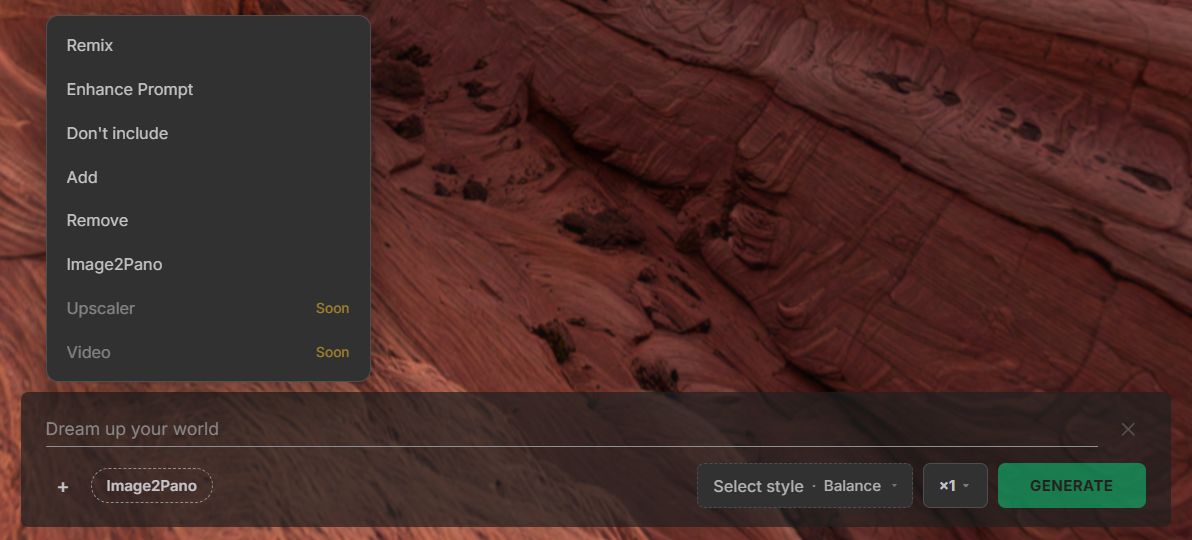
- Pick the source. History is a skybox you made. Gallery is a skybox you like. Upload a 360 opens a file, or you drag it onto the viewer. The button reads Remix.
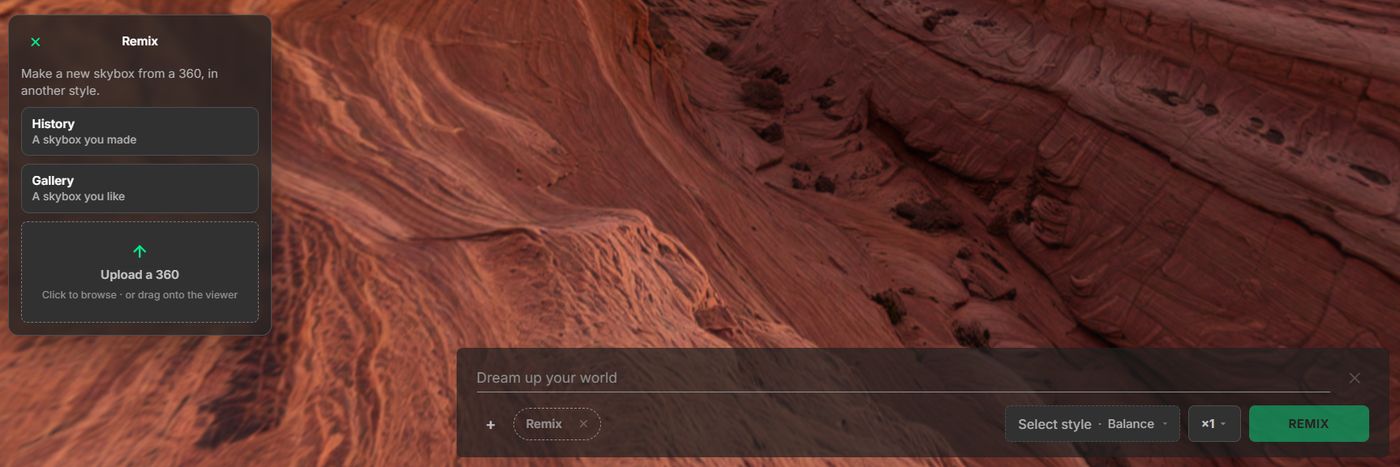
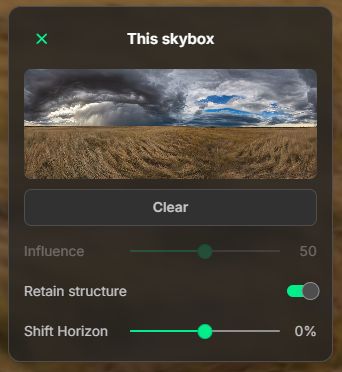
- Open Remix settings from the Remix pill. Set Influence, Retain structure, Shift Horizon, or Mirror. With a skybox already loaded, the source card reads This skybox.
- Enter a prompt in Text describing the change you want. Use Negative text for objects to avoid.
- Choose Style (this also picks Model 3 or Model 4), Quality, and quantity as needed.
- Click Remix.
Prompt bar layout: Workspace.
# Your own 360° image
Choose Upload a 360 in the Remix picker, or drag a panorama onto the viewer.
- Equirectangular JPG or PNG. 2:1 is the shape Remix expects. Other aspects are forced to 2:1 and can warp.
- Maximum file size 50MB.
- Uploads that break the Terms of Service (opens new window) are rejected.
A tripod often leaves a mark at the nadir (the bottom of the sphere). Remix can turn that mark into a platform or a patch that does not match the floor. Before you upload, paint out the tripod, fill the spot with the surrounding ground, or shoot with a tripod cover.
# Remix settings
| Setting | What it does |
|---|---|
| Mode | Remix vs Structure path (maps to Influence / Retain Structure behavior) |
| Influence | How strongly the source affects the new generation. On Model 3 this is a color and texture dial. On Model 4 it applies to the Depth path |
| Retain Structure | Keep layout while changing style, lighting, and ambiance. On Model 4 this selects Softlines |
| Shift Horizon | Raise or lower the horizon line before generate |
| Mirror | Flip the remix source left/right before generate |
This skybox is the grass plains. Influence is 50, Retain structure is on, and Shift Horizon is 0%. Pick a style before you generate.
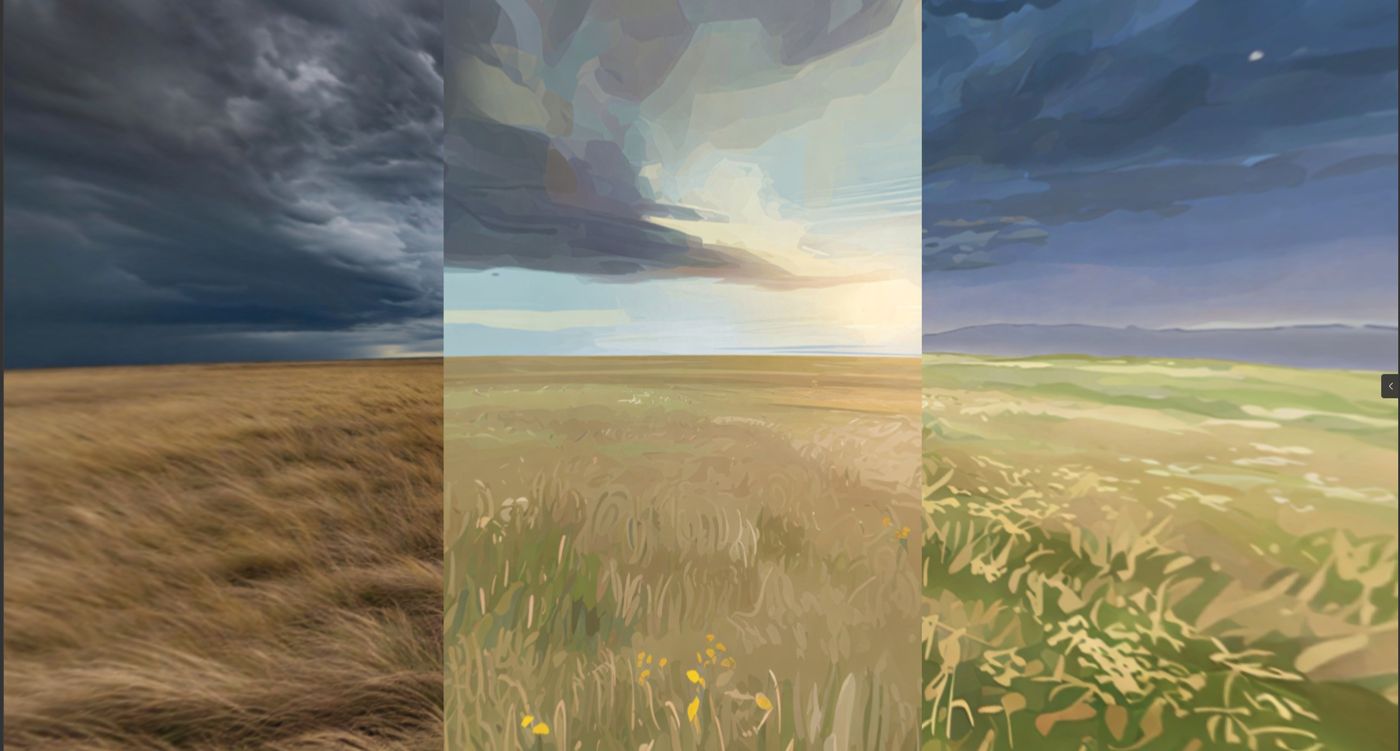
One landscape remixed in three styles:
# Model 3 and Model 4
The settings panel shows Influence, Retain structure, and Shift Horizon for both models. The style you pick selects the model, and those controls follow different paths.
| Model 3 | Model 4 | |
|---|---|---|
| Influence | Color and texture dial. Higher keeps more of the source photo. API: init_strength (inverted: 0.11 is strong, 0.9 is weak) | Applies to the Depth path only. With Retain structure on, the remix uses Softlines and Influence is ignored |
| Retain structure | Structure path (hard edges or depth). Softlines is not this model’s path | On = Softlines (soft_lines: true). Off = Depth |
| Quality | Fast | Balance or Detail on the prompt bar |
| Prompt | Comma-separated phrases, injected into the style template | The style description overrides the prompt you type |
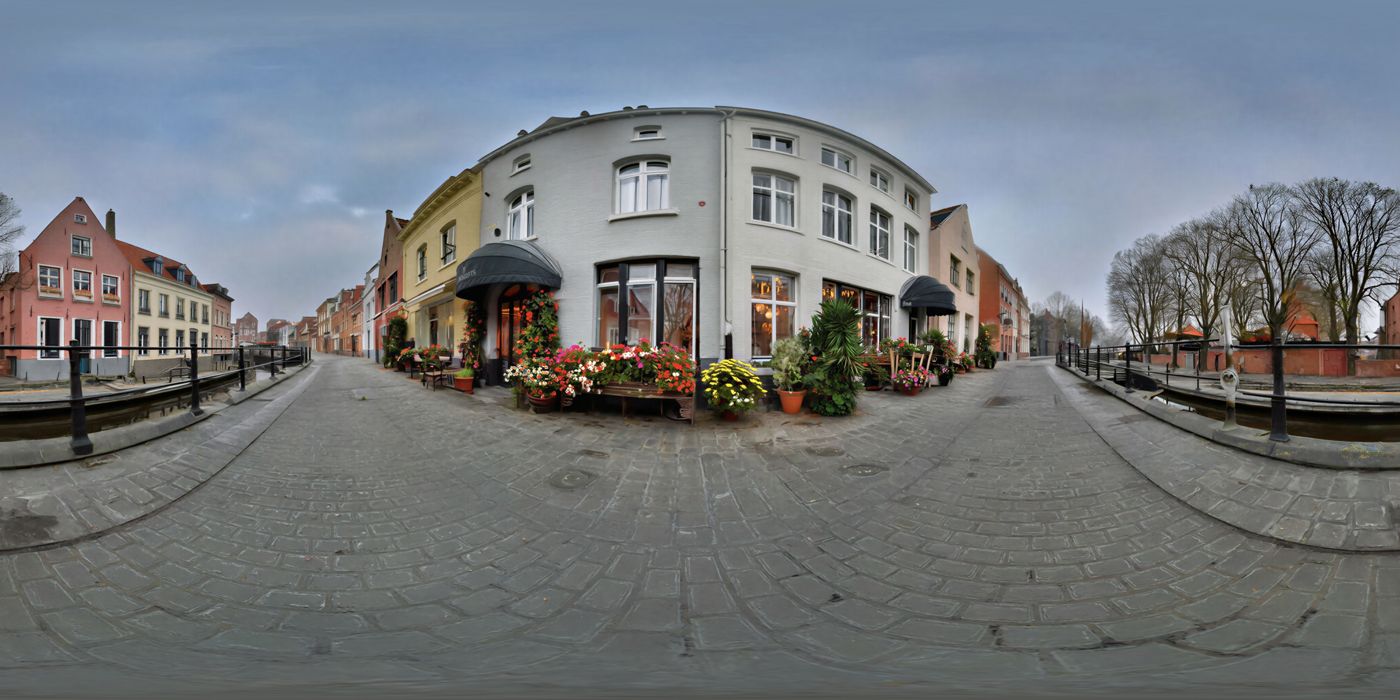
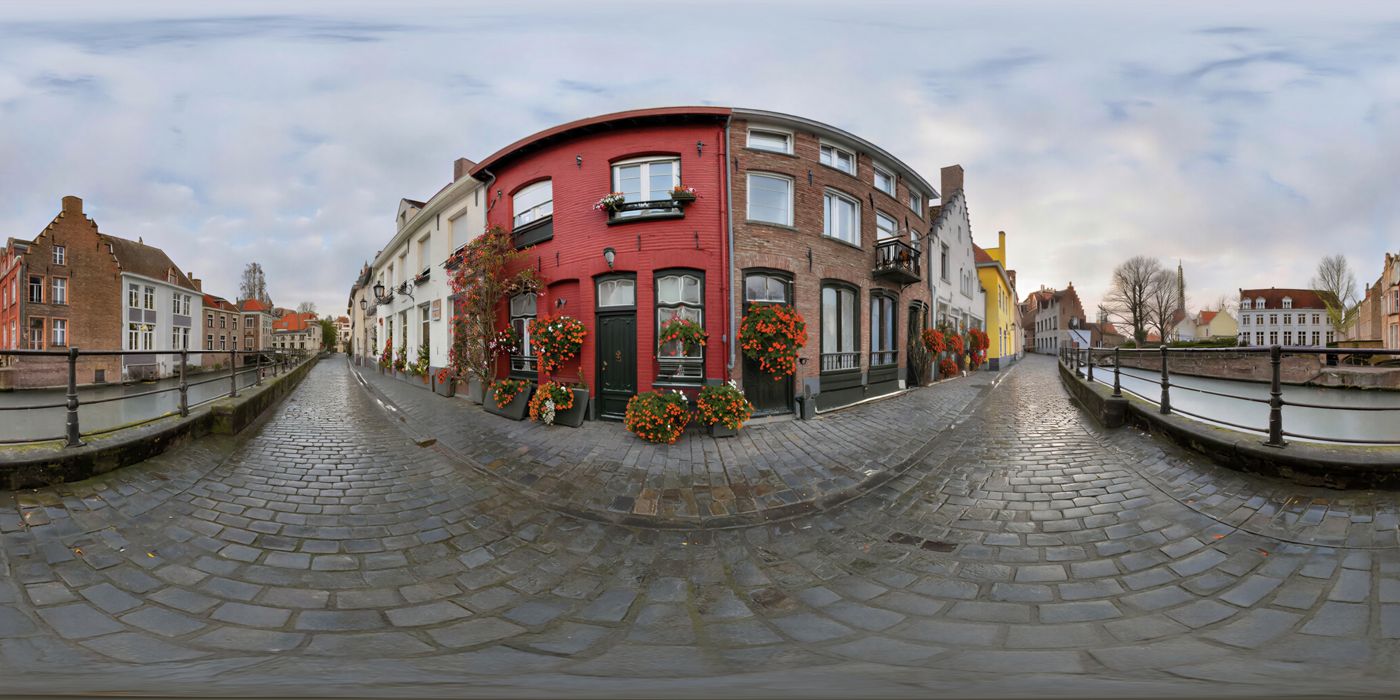
The same canal photo, run at different Influence on Model 3 and Model 4, is under Influence.
# Influence
On Model 3, Influence is how strongly the original color and texture affect the new generation. Higher keeps more of the source photo. With Retain structure on, that color dial is not the path in use.
Model 3, Dutch Masters, from a Belgian canalside photo by quantumjeep. The same prompt and negative were used at every step.
A serene canal winds past charming, colorful Belgian townhouses, their facades adorned with blooming flower boxes under a soft, misty morning light.
Negative text: snow, ice, man, woman, animals, cars.
At 0 the style rewrites the scene. At 100 more of the source photo remains.
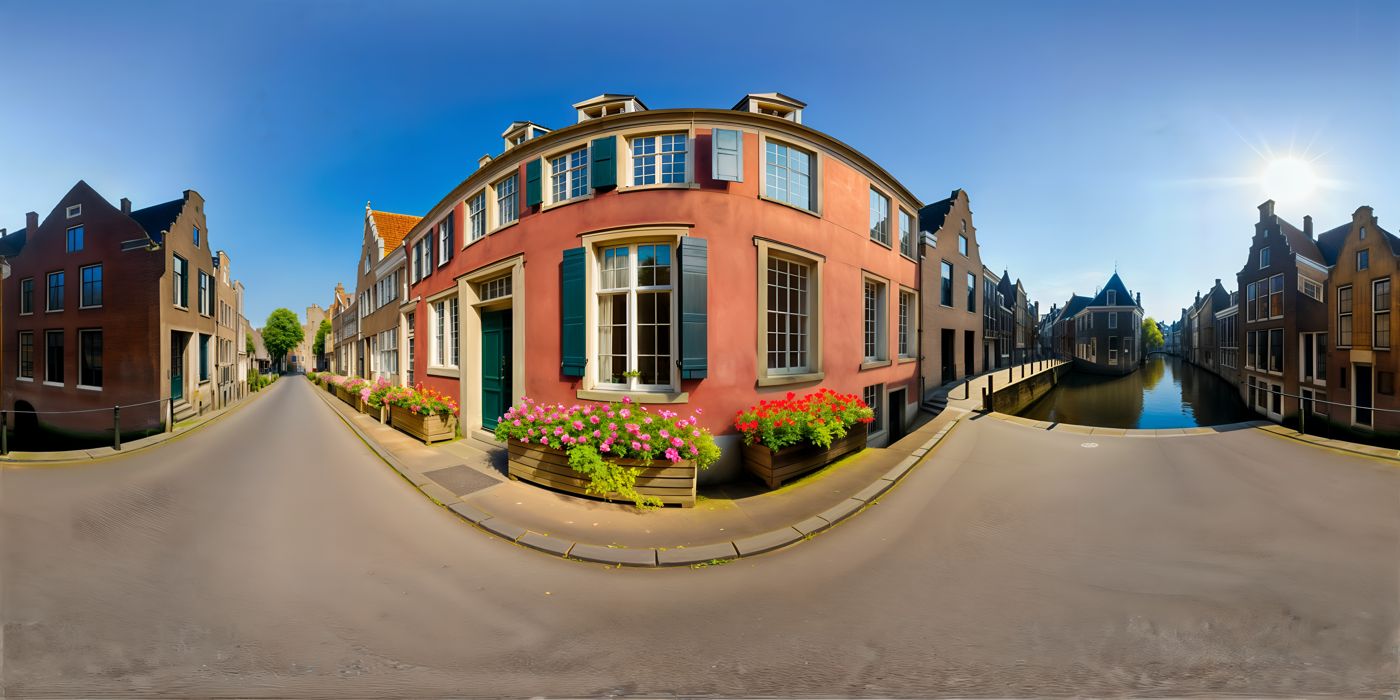
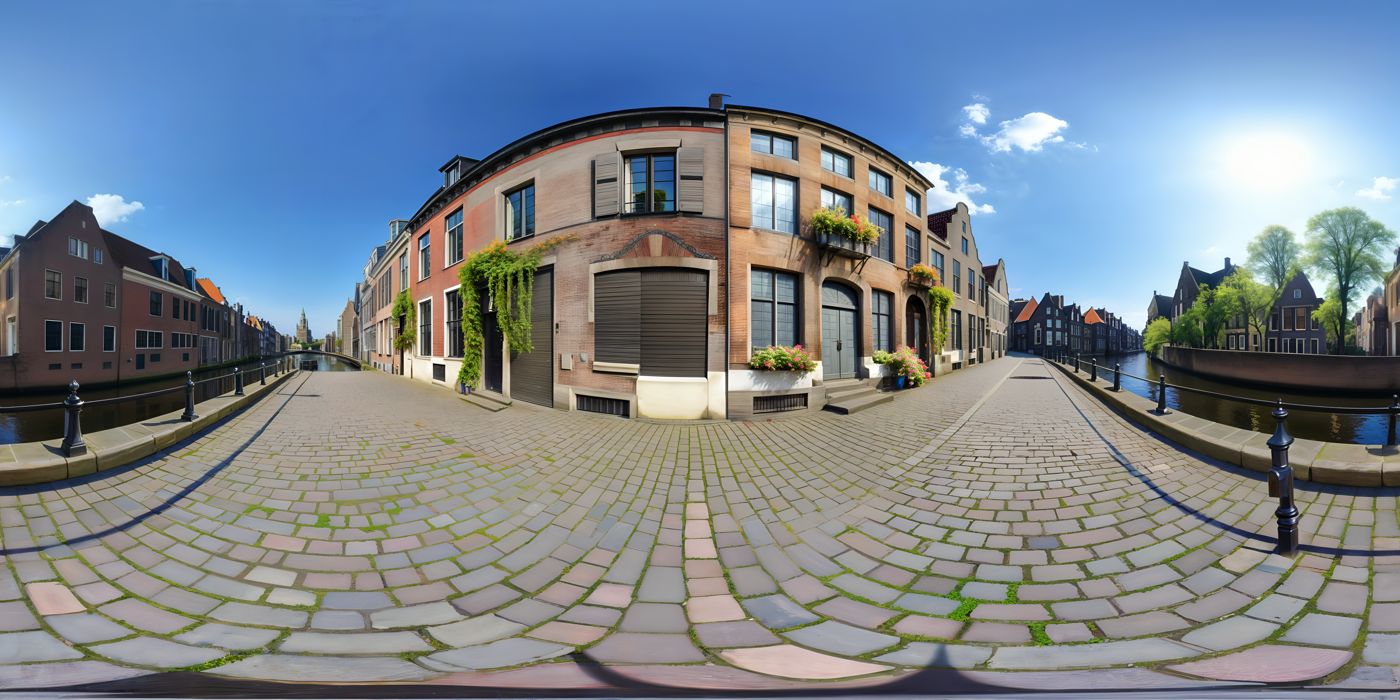
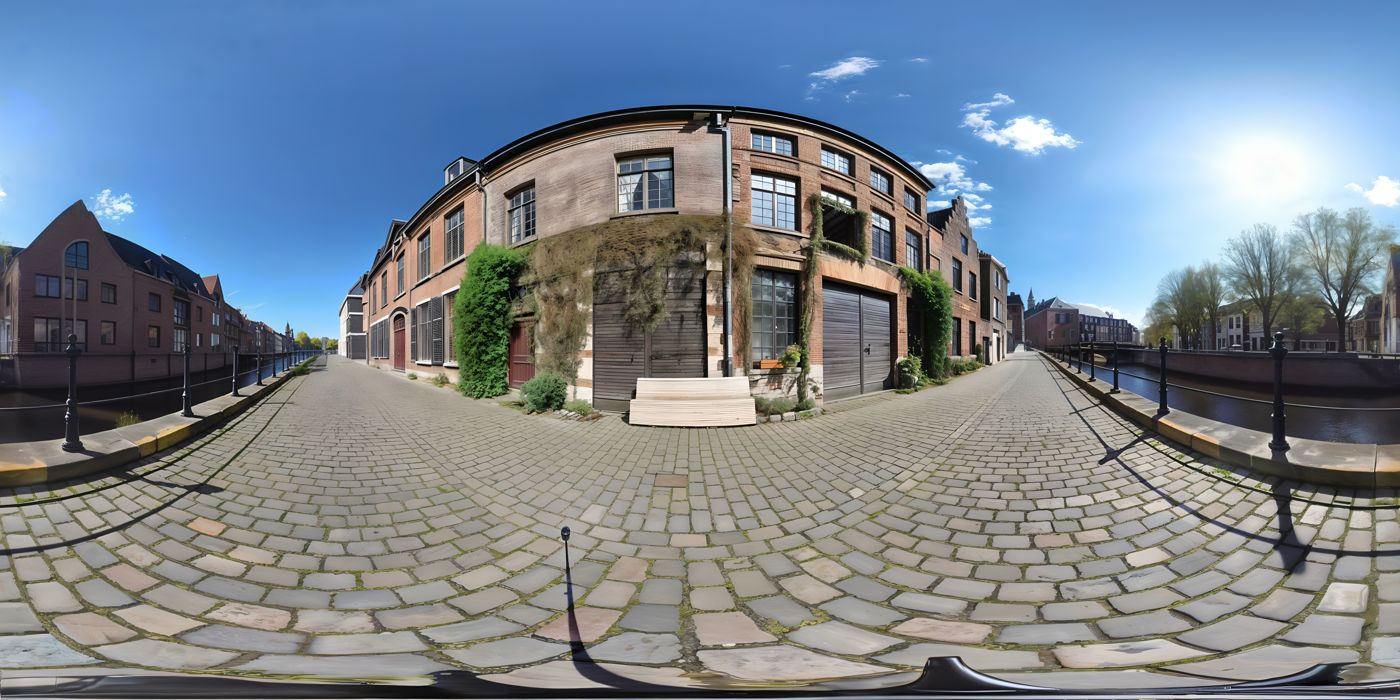
Model 3 styles give the most granular Color Influence control (API: init_strength).
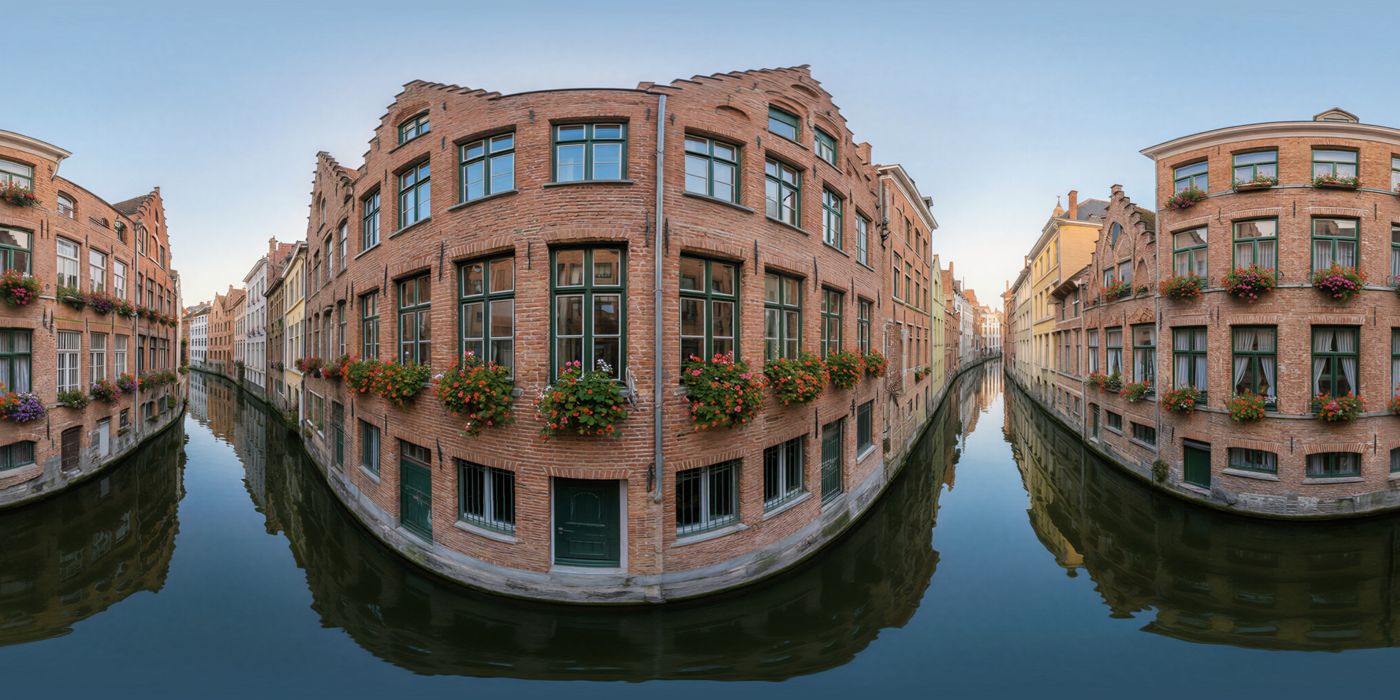
Model 4, Photorealistic, same prompt and negative. The style description overrides that sentence. At Influence 10 the canal, flower boxes, and morning light from the prompt still show. At 90 the source street is the picture.
# Retain Structure
On Model 4, this toggle chooses how Remix reads the source.
| Depth (Retain structure off) | Softlines (Retain structure on) | |
|---|---|---|
| What it keeps | Near and far. Foreground and background stay in place. | Soft outlines. The layout is a suggestion, not a cage around every edge. |
| Influence | Sets how literally that layout is followed | Ignored |
| Use it when | Placement matters, and you want a dial for how tightly the remix follows it | You want a new style, light, or materials, and Depth is holding the source too tightly |
Depth can cling to rough or boxy shapes (a blocky chair, a crude wall) and can look smoother, more like a render. Raise Influence to follow that geometry more closely. Lower it when you want the model to replace those shapes with cleaner objects.
Softlines is the better path when that lock is the problem: contours pinned in place, blocky source shapes kept, or a render-like surface you do not want. The scene stays recognizable. Edges, materials, and small objects can change.
On Model 3, Retain structure turns on the structure path and disables the Influence slider. Softlines is a Model 4 path. API: soft_lines.
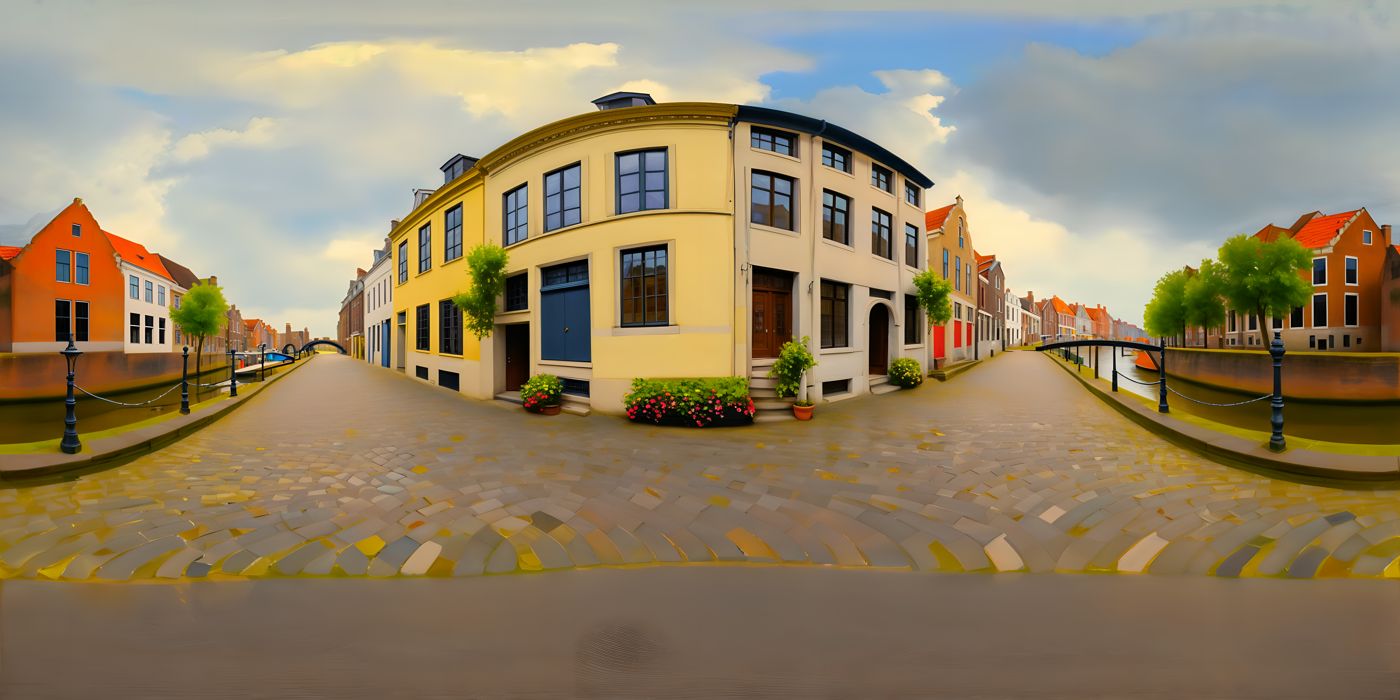
Same canal prompt as the Influence examples, Model 3 Dutch Masters, Retain structure on. The street, canal, and building masses stay in place.
# Shift Horizon
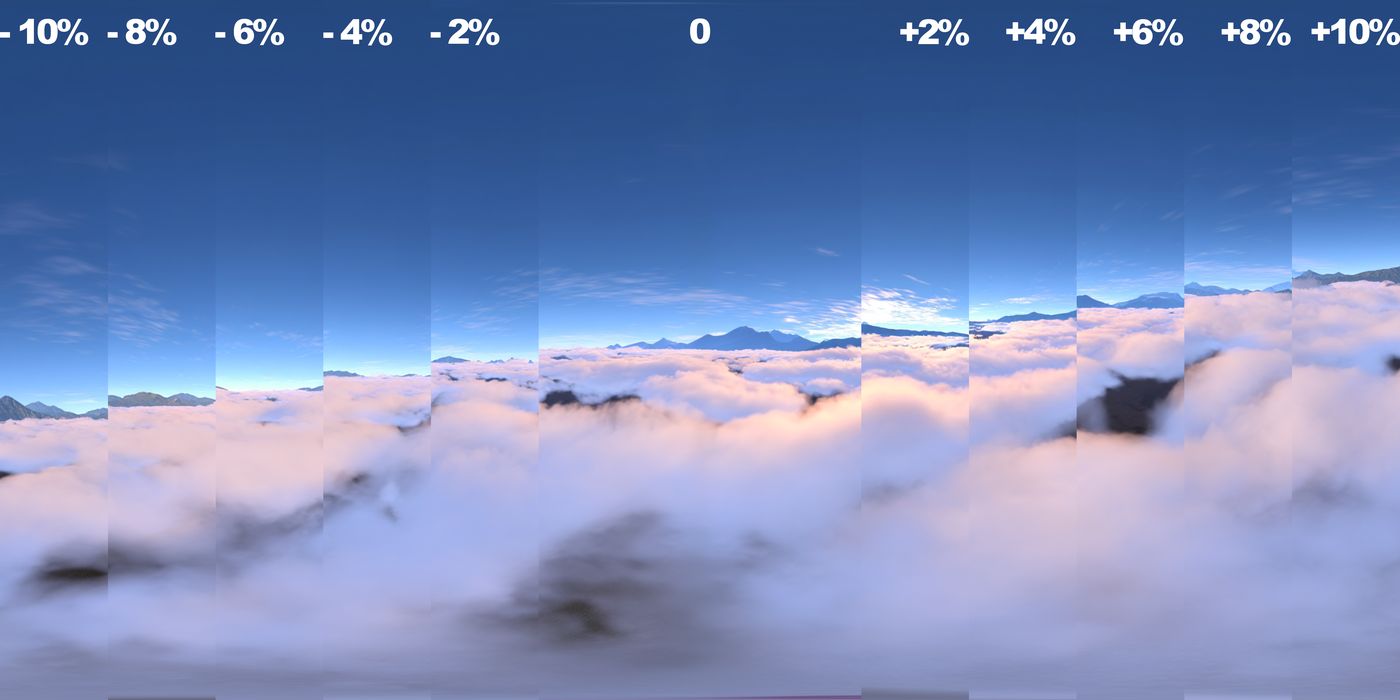
Raise or lower the horizon so the skybox matches your camera or scene (ground-heavy vs sky-dominant views, or small equator-seam fixes).
In the web app, use Shift Horizon under Remix settings. On the API, horizon_shift (−20 to 20; positive raises, negative lowers) is a Model 4 parameter. It is not used for Model 3 generations. Generate Skybox.
The slider and the reference strip below are labeled in percent. The API range is horizon_shift from −20 to 20.
# Mirror
Horizontally flip the remix source (upload or History image) before generate. Useful when the source faces the wrong way for your scene. Mirror is a web preprocess under Remix settings (no separate API param today).
# Common uses
- Keep layout, change mood or time of day
- Style transfer between realistic and stylized looks
- Day-to-night transitions on the same scene
- Correct horizon height with Shift Horizon, or left/right orientation with Mirror, on an uploaded source
← Create a skybox Edit →