
# Account and login
Sign up at skybox.blockadelabs.com/signup (opens new window). Log in at skybox.blockadelabs.com/login (opens new window).
You must be 18. Use under 18 is allowed only under a commercial contract, with strict moderation. See How old do I have to be?.
# How to sign up
Skybox AI is passwordless. On Sign up (opens new window), enter an email and choose Get started, or continue with Google or X. Log in sits at the top right of the card.
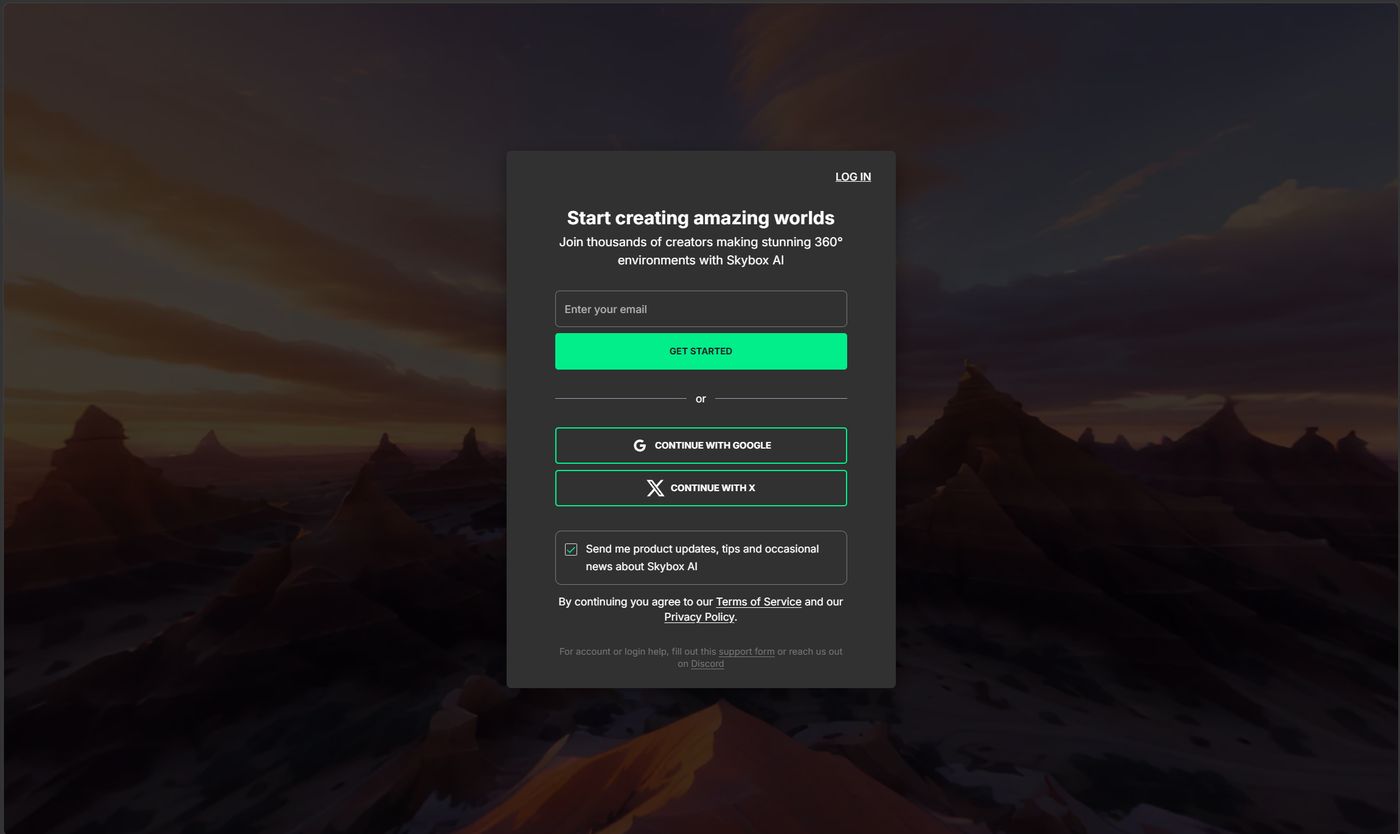
Discord OAuth is not a Skybox AI login. The Blockade Labs Discord (opens new window) is for community and support only.
After you log in, follow the on-screen steps to start creating.
# What is a magic link?
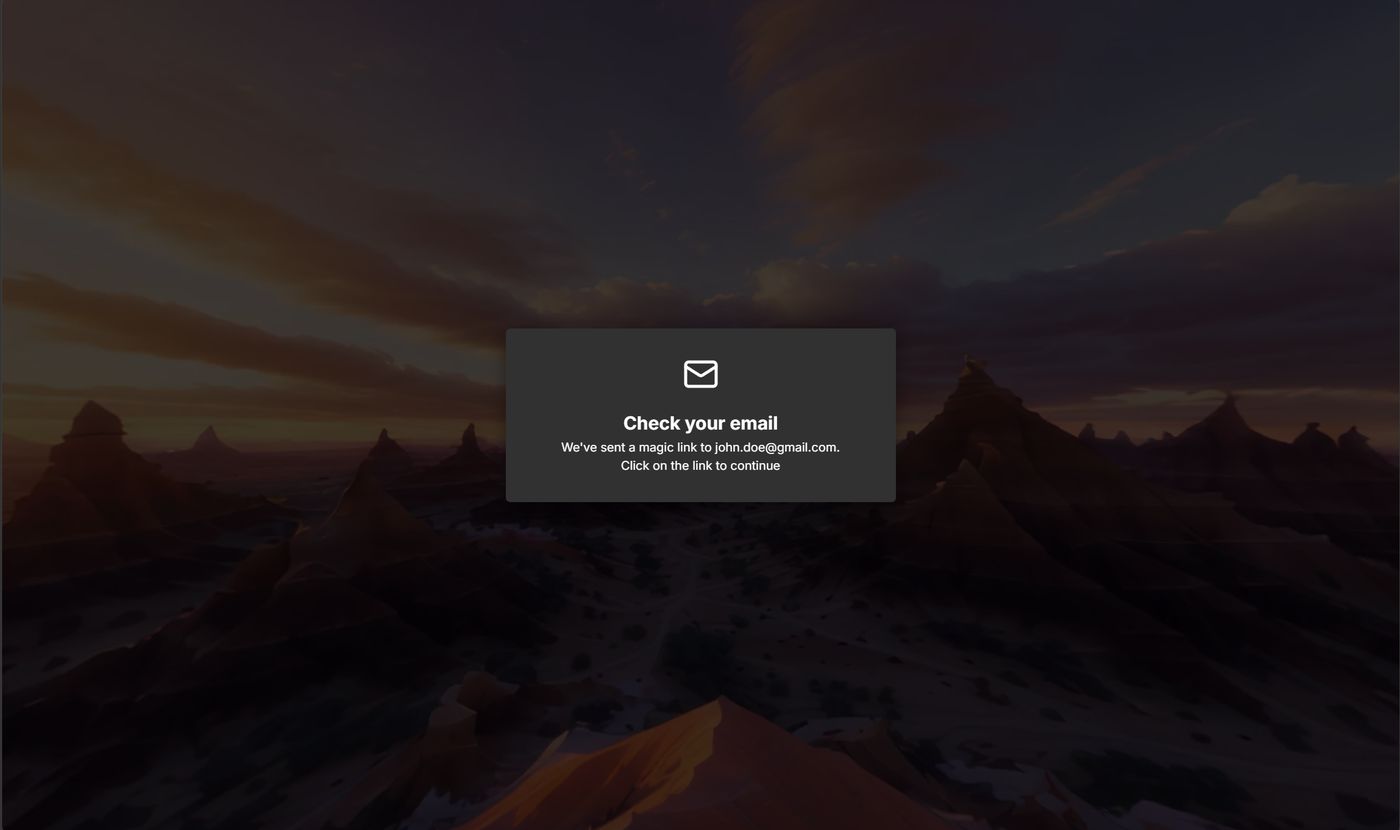
A magic link replaces a password. After Get started, the card says Check your email and names the address you entered.
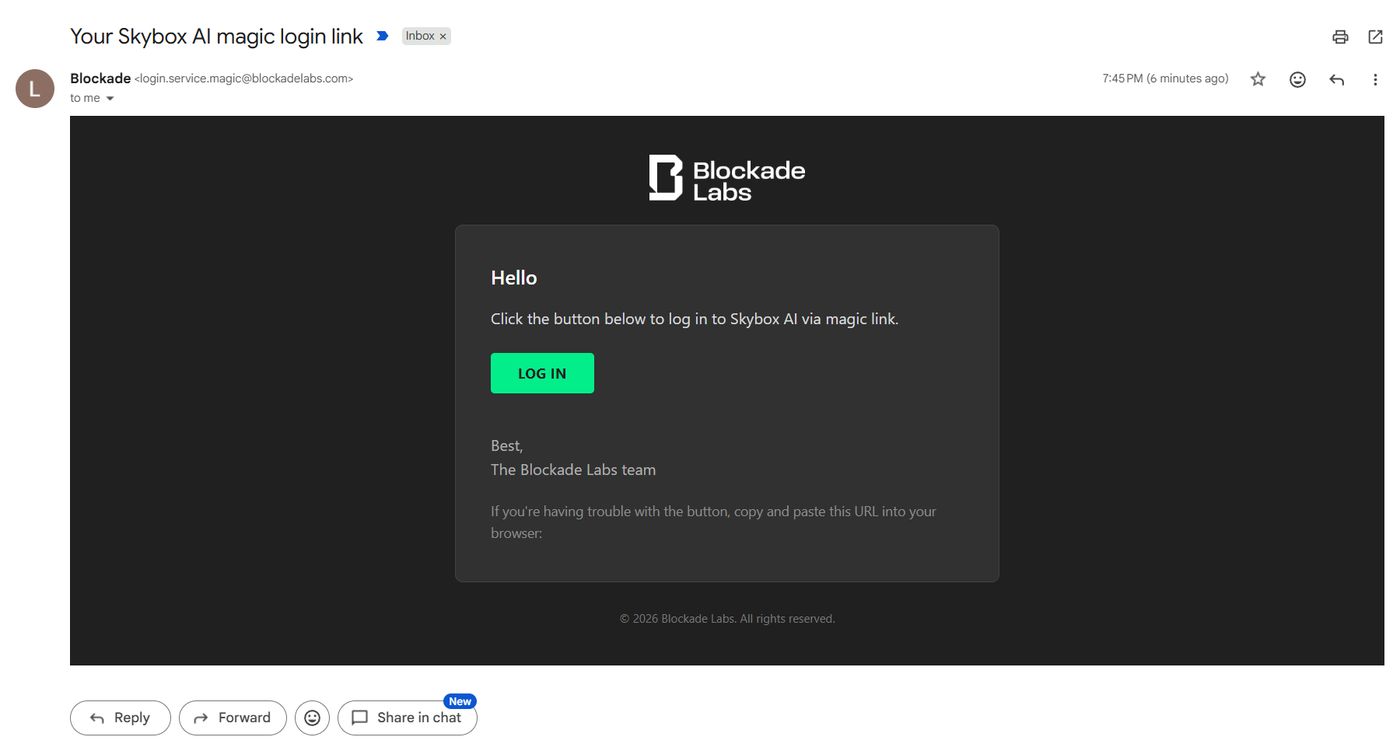
The message comes from login.service.magic@blockadelabs.com with the subject Your Skybox AI magic login link. Open Log in in that email. If the button fails, copy the URL under it into the browser.
# One Blockade Labs login
A Blockade Labs login works for Skybox AI. If you already use one for another Blockade Labs product, sign in with that same email, Google, or X account.
# Can I share my Skybox AI account?
No. Accounts are non-transferable. One person uses one account. The login, credits, and API key stay with that person.
# Are team accounts coming?
Team accounts are planned. That is an invite onto one Business account, not a way to hand your login to someone else. Members on Business.
# If you can't log in
- Magic link: check spam and junk, and confirm the email address
- Social login: use the same Google or X account tied to that email
- No email on the account: the app asks for an address. Open the link we send to verify it
If you still cannot get in, submit a request (opens new window) and choose I don't have access to my account. Use the email on the account so we can verify it. Have a previous receipt ready, with the date, amount, and payment method. Leave the full card number off the form. The form opens a support ticket. You can also email support@blockadelabs.com or ask in Discord #support (opens new window). See Support.