
# Edit
Edit (Add / Remove) changes a region of an existing skybox. Use it when most of the panorama is right and you need a targeted fix, not a full restyle. Each edit costs 1 credit.
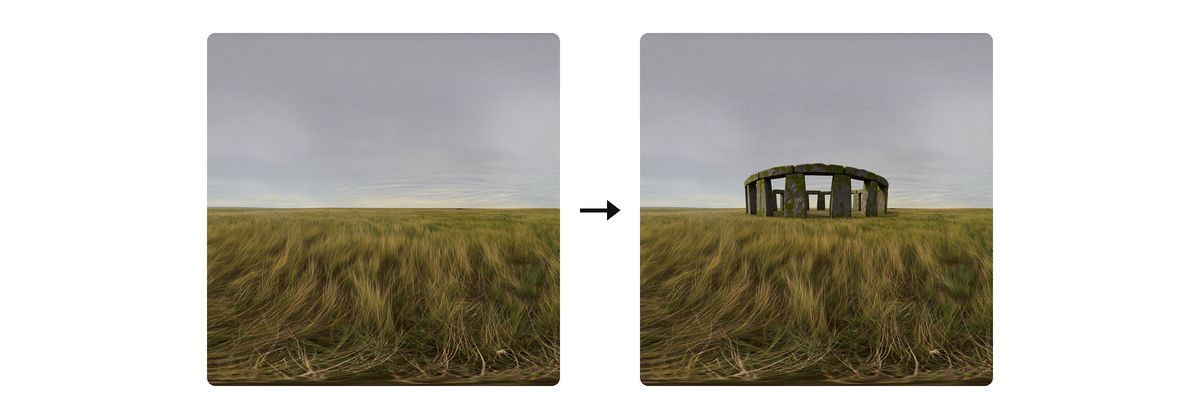
# How to edit
With a skybox loaded, the prompt bar offers Remix this, Add this, and Remove this.

- Open the skybox you want to change (History, Recent Generations, or the viewer).
- Choose Add this or Remove this.
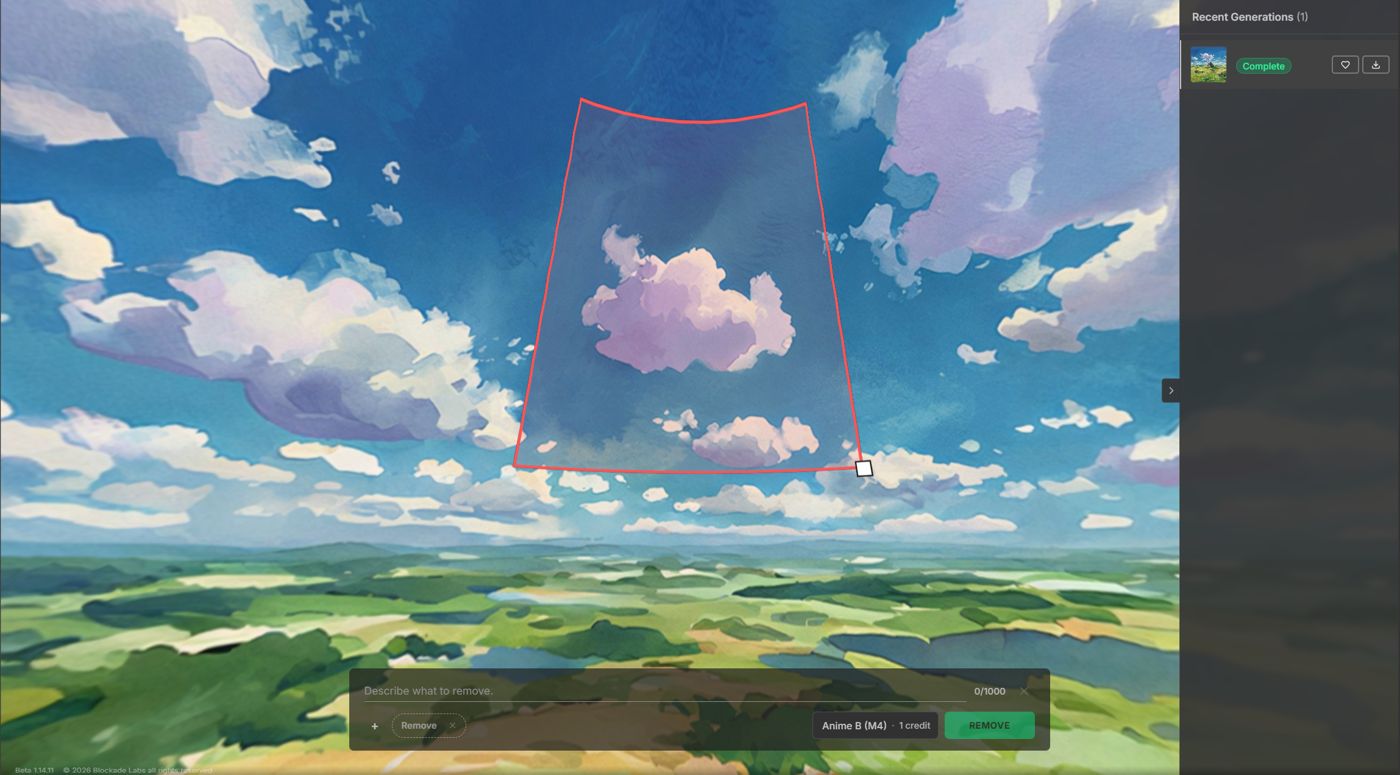
- Click the viewer to place the region, then drag and scale it. Add draws a green square. Remove draws a red square. You do not enter angles by hand.
- In Text, describe what to add or what to remove. The style control shows 1 credit.
- Choose Style, then click Add or Remove.
Prompt bar layout: Workspace.
Negative text is not shown for Add / Remove on the prompt bar. Name the thing in Text.
Add, before the region is placed. The hint reads “Click the viewer to place the region.”
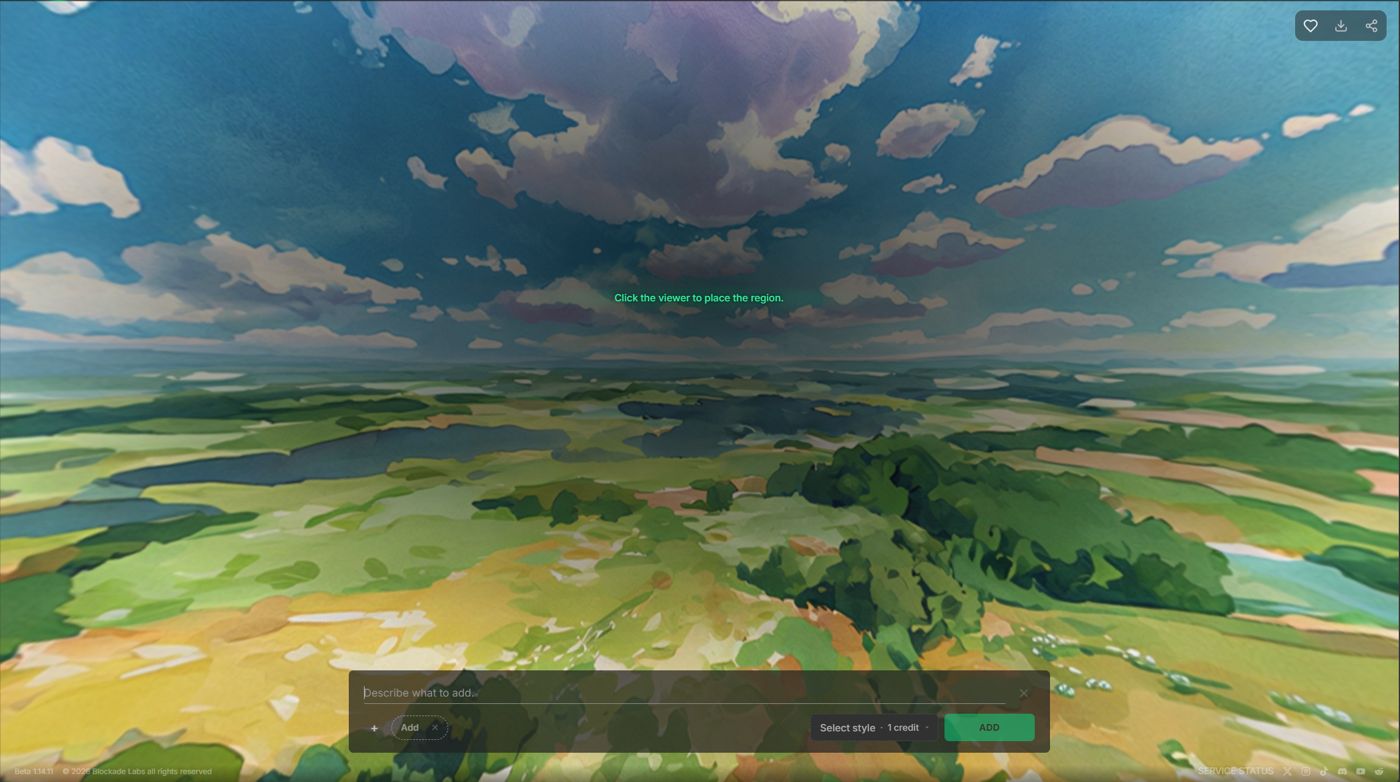
The green square is the Add region.
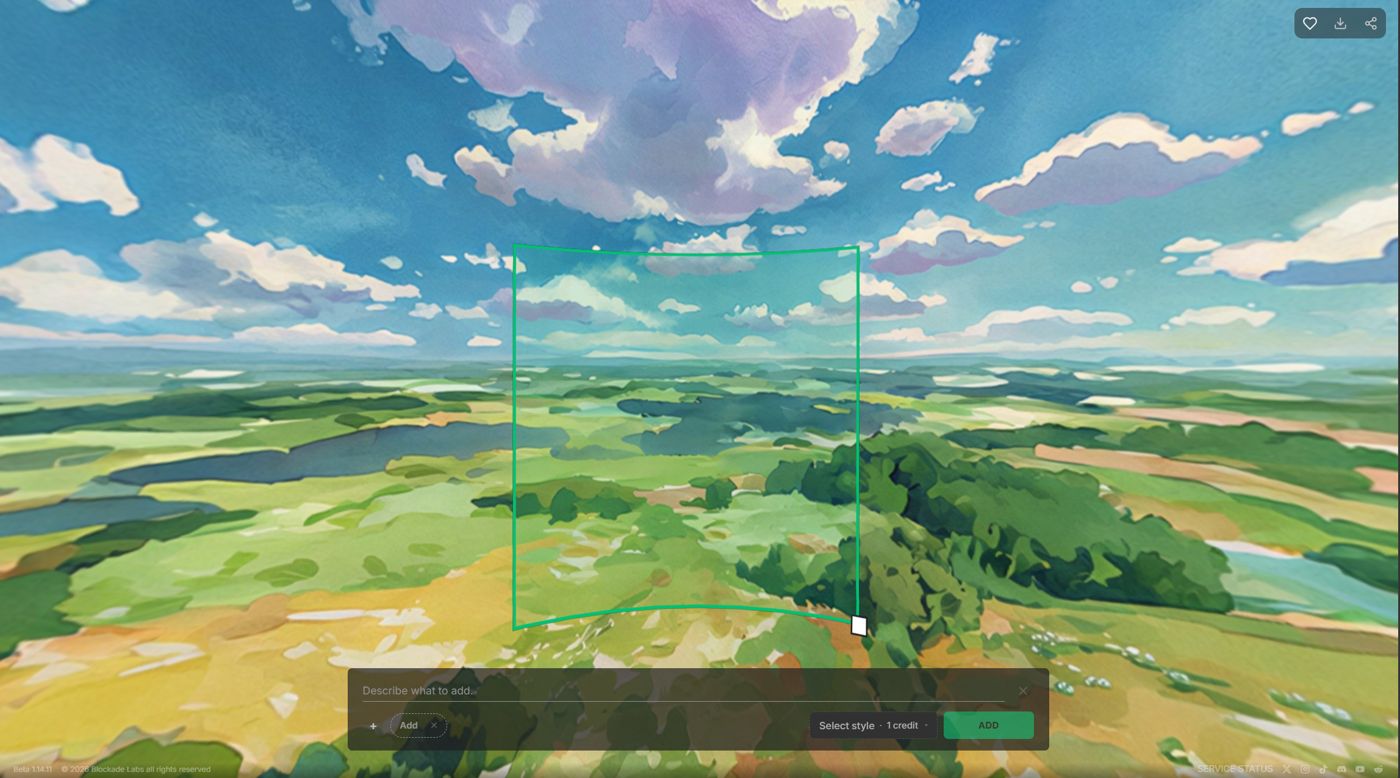
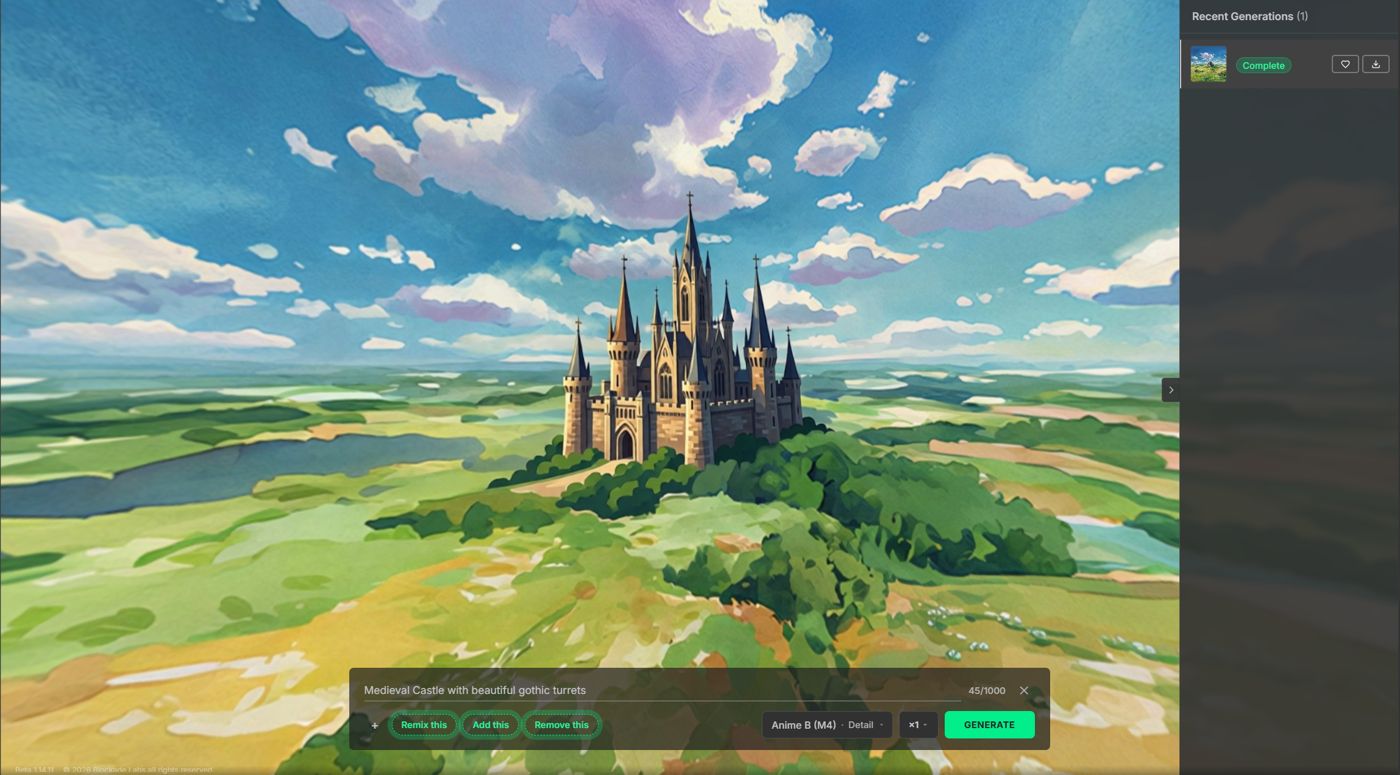
Prompt and style. This one adds a castle in Anime B, a Model 4 style.
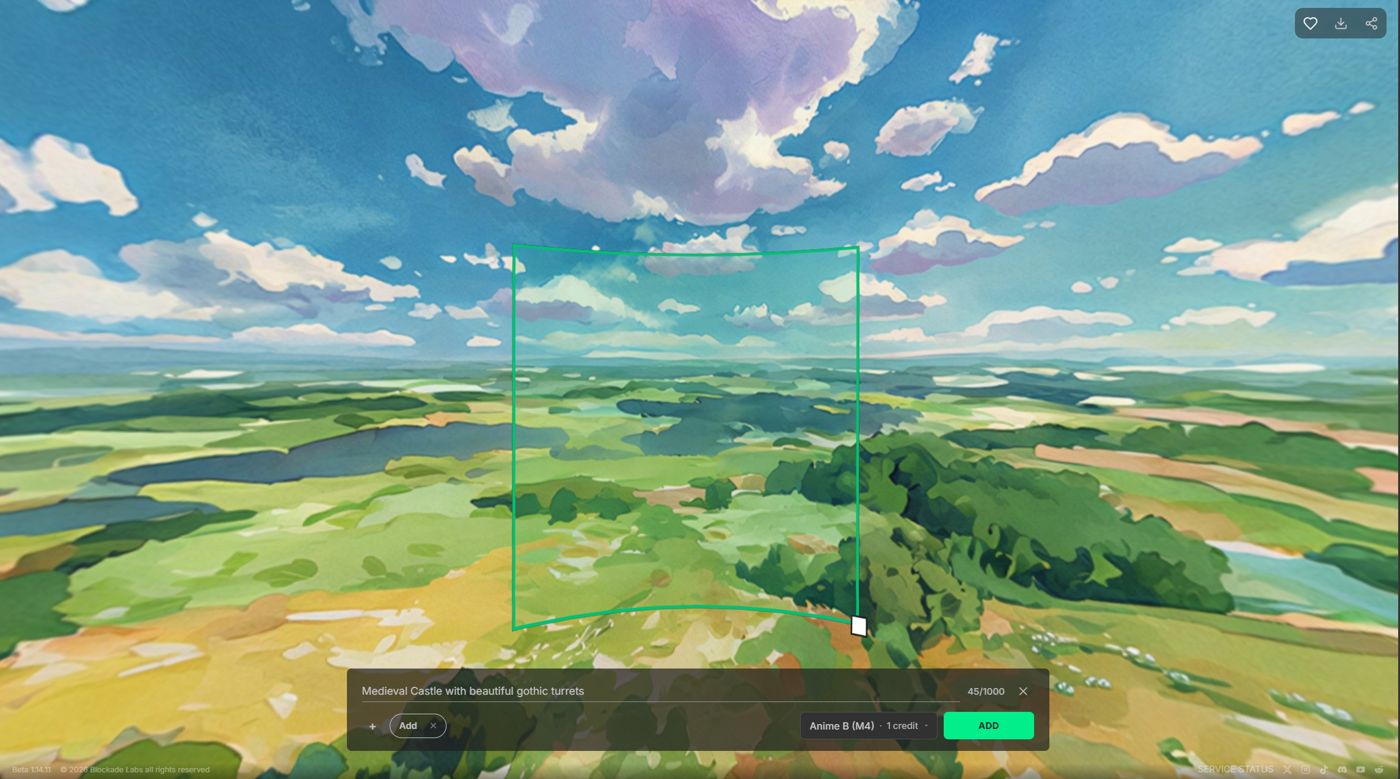
The castle lands in that region. The rest of the landscape stays.
# Add vs Remove
| Mode | Use when | Prompt for |
|---|---|---|
| Add | You want something new in a region | What to insert, and what to keep around it |
| Remove | You want unwanted elements cleared | The thing to take away, named specifically |
Remove draws a red square. This one is around a cloud.
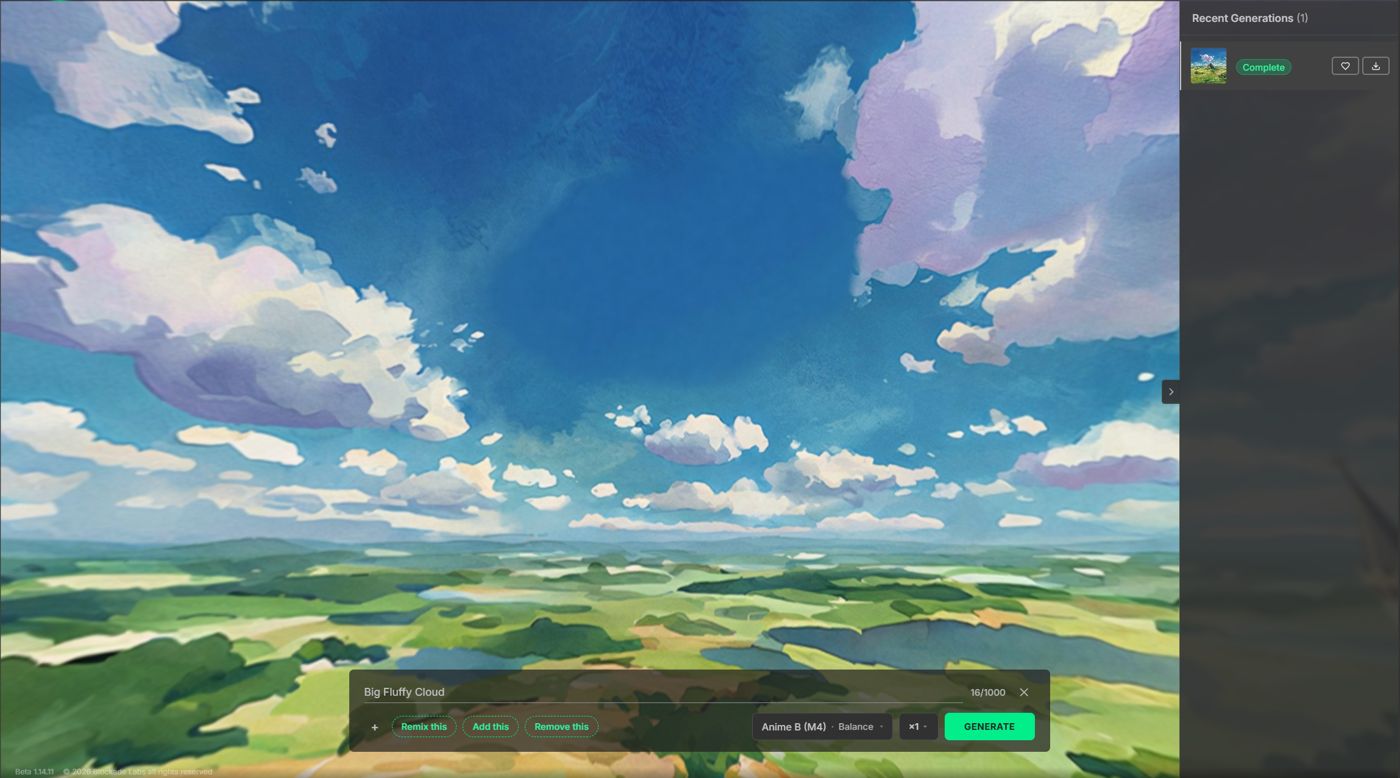
Name the object. Big Fluffy Cloud, Anime B at Balance, cleared that cloud into the sky.
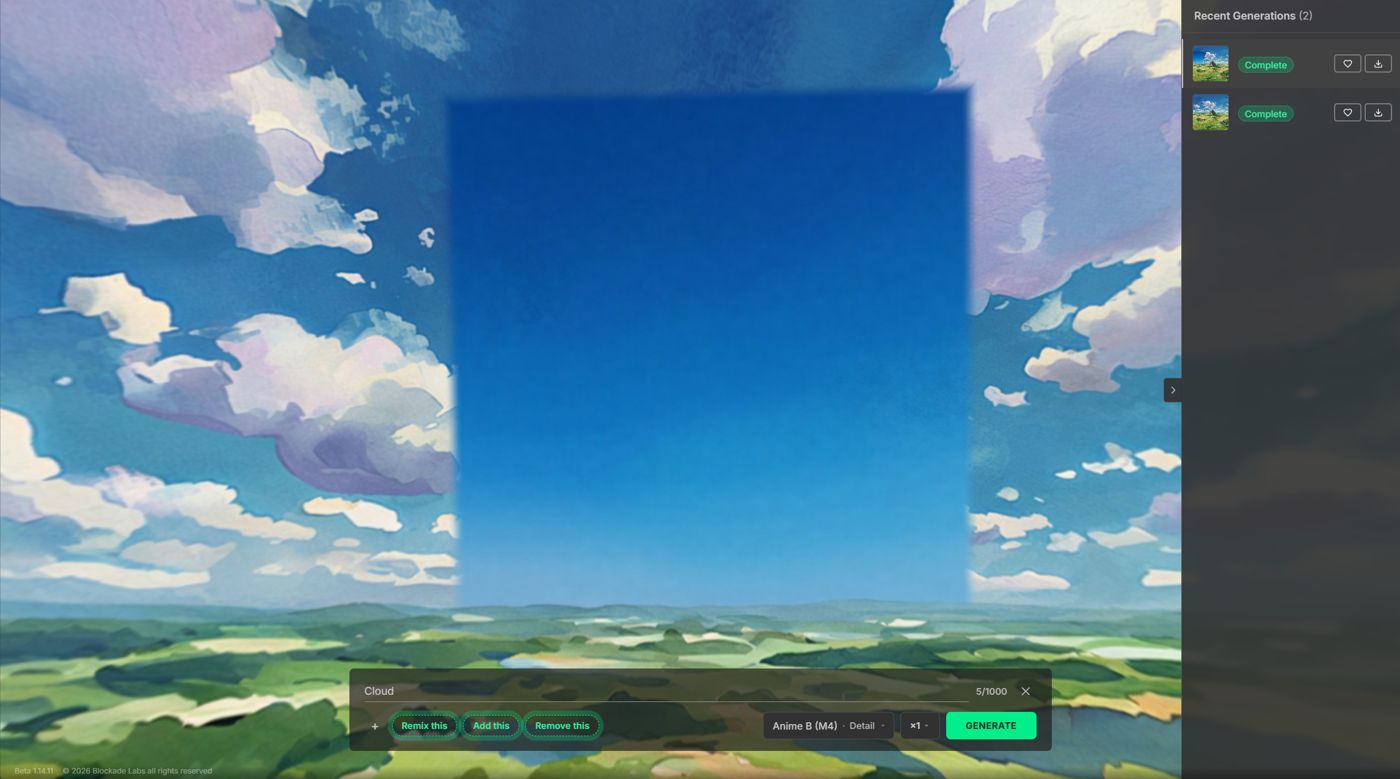
A vague word does not. Cloud, the same style at Detail, left a flat blue patch the size of the region.
# When to use Edit vs Remix
| Goal | Prefer |
|---|---|
| Local fix (object in / out of one area) | Edit |
| Whole-scene mood, style, or time-of-day change | Remix |
Remix how-to: Remix.
# Prompting tips
- Name the object. Big Fluffy Cloud removed the cloud. Cloud left a flat patch. Short and specific beats a single vague word, and beats restating the whole panorama.
- Match Model 3 phrases or Model 4 sentences for the selected style: Prompting.
- If the patch is too wide or too narrow, resize the region rather than stuffing framing words into the prompt.
← Remix Image2Pano →