
# Image2Pano
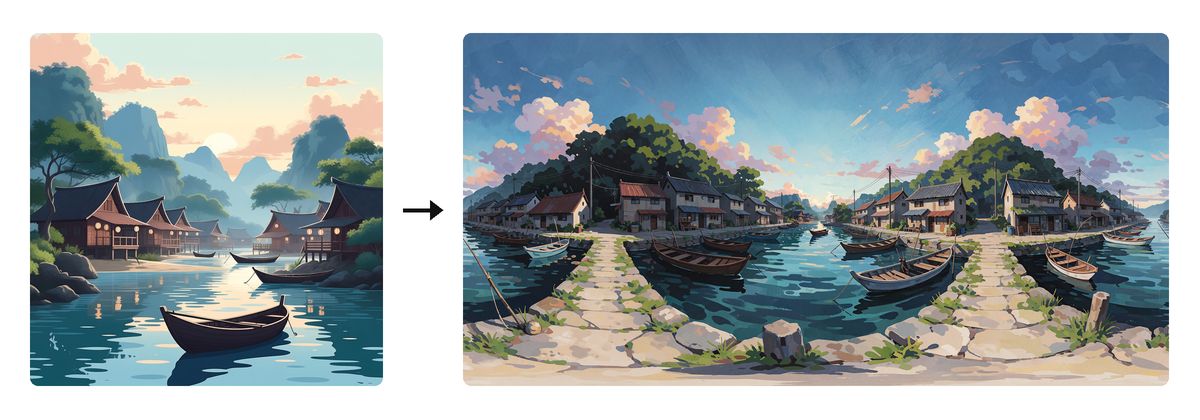
Image2Pano turns a flat or partial image into a 360° panorama. The model fills the rest of the sphere around your source. Each conversion costs 3 credits.
# How to convert
- On the prompt bar, open + and choose Image2Pano.
- Upload a photo, or drag it onto the viewer. The card reads This photo. Clear removes it. The placeholder reads Describe the world around this photo.
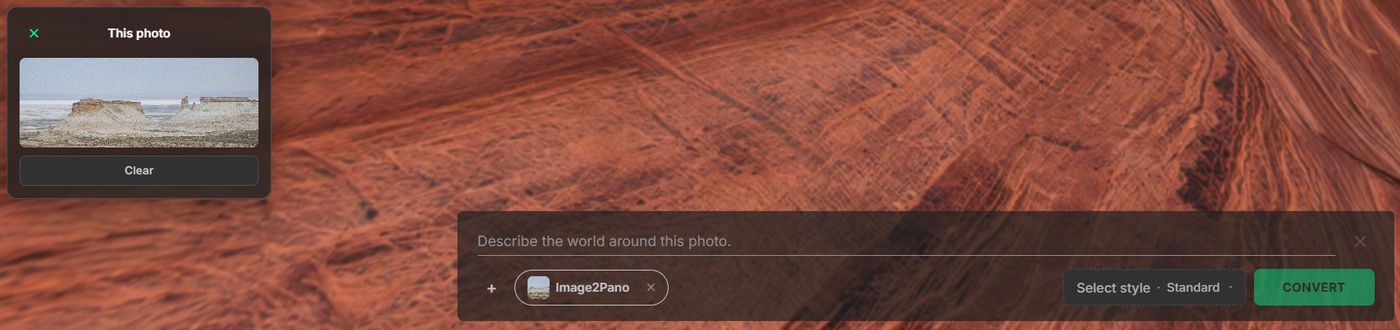
- Describe the finished place: ground, horizon, and sky. Choose a Style, then click Convert. This one is Photorealistic (M4) · Standard.
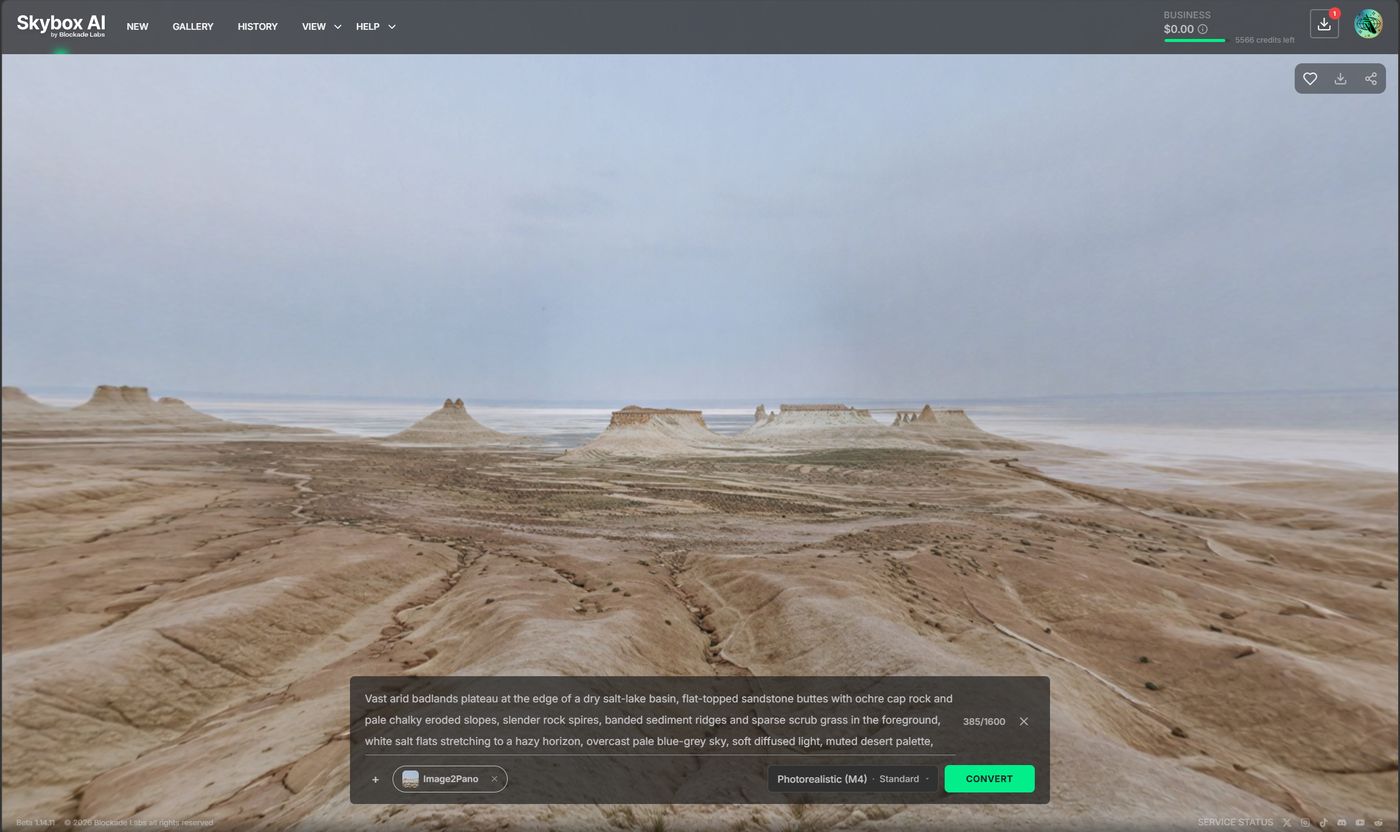
Prompt shape: Prompting guide.
# Source image tips
Use a wide landscape that already shows a place. A tight zoom on one rock, face, or object leaves little for the model to continue. Open ground such as dunes or grassland works the same way as these.
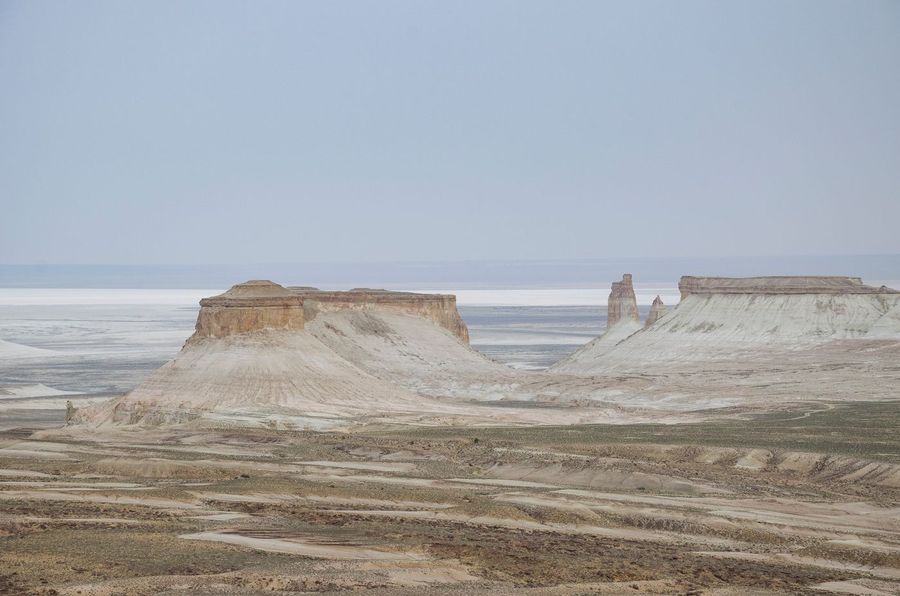
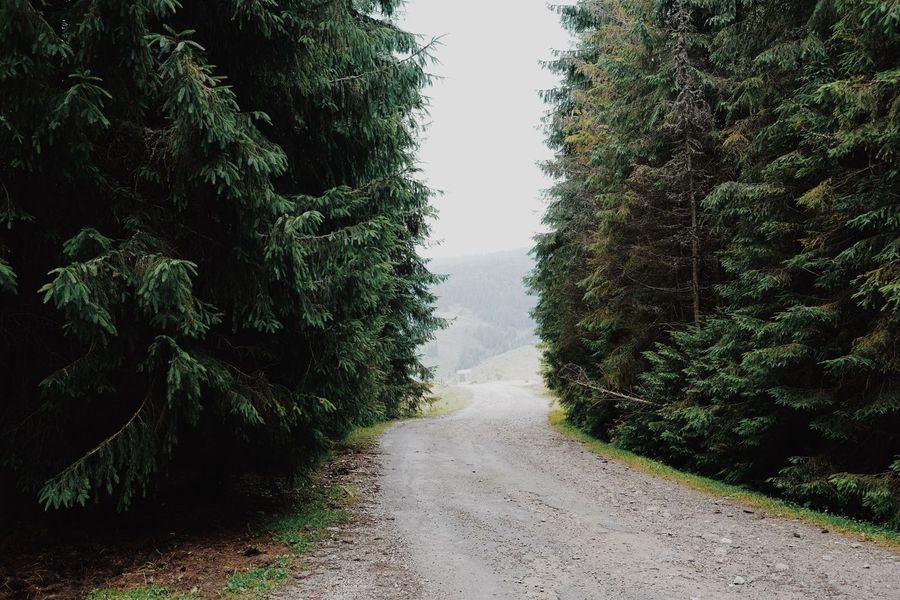
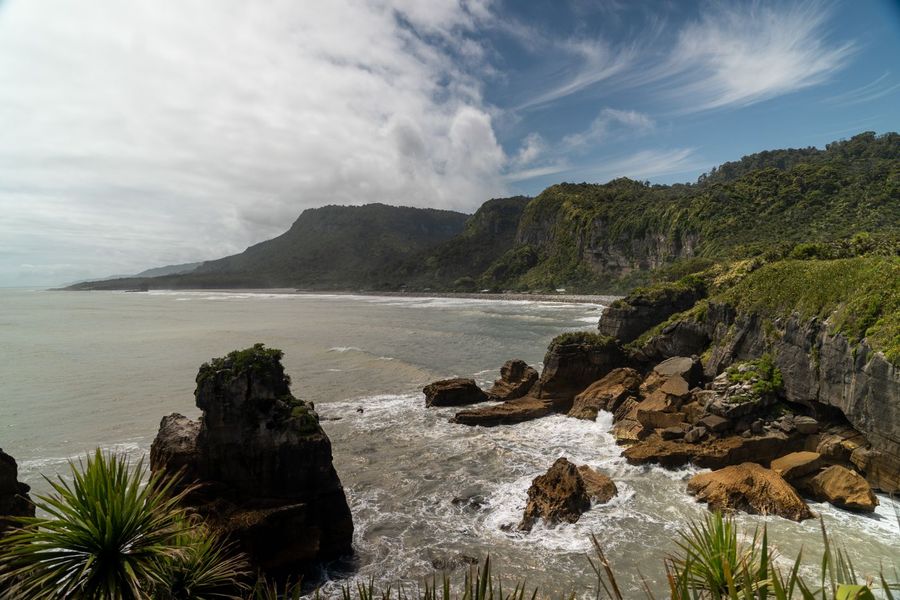
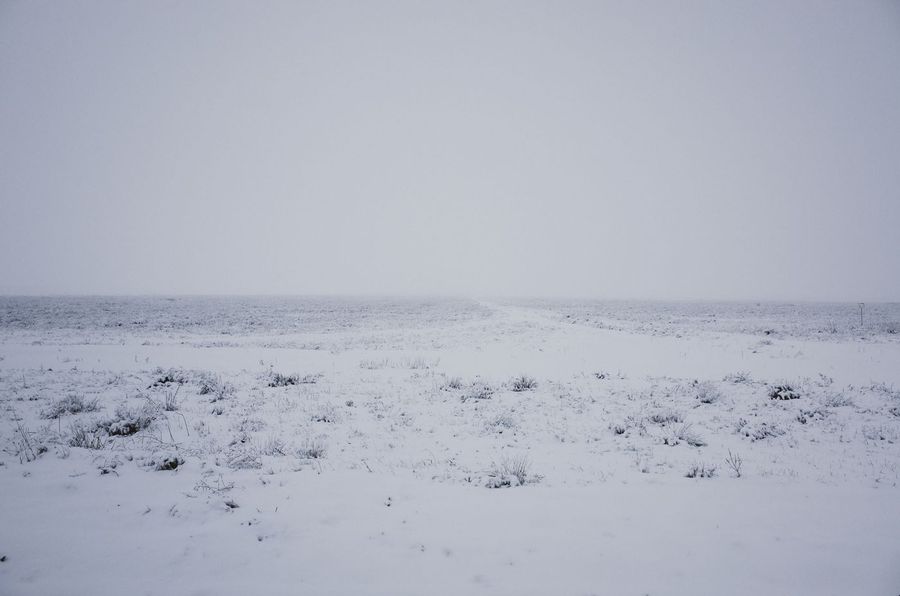
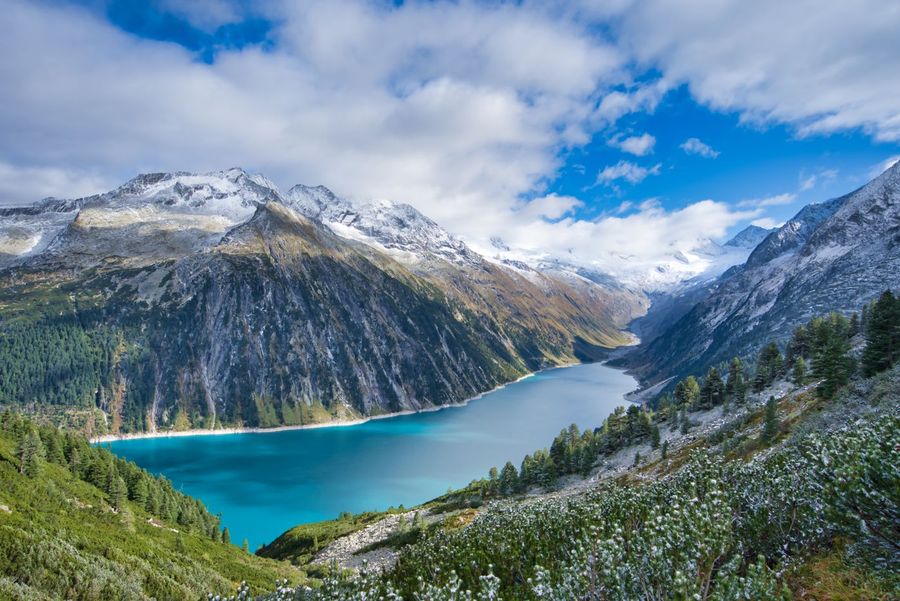
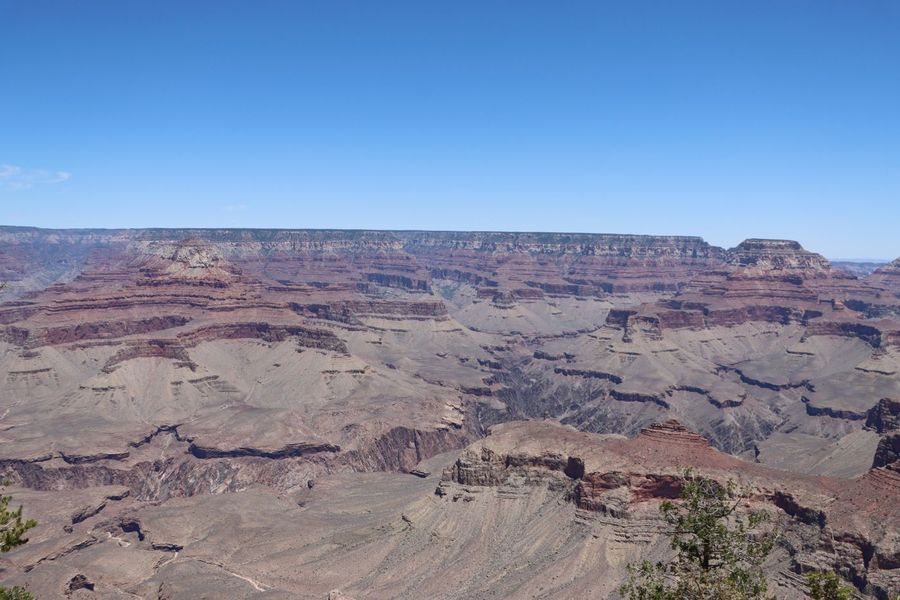
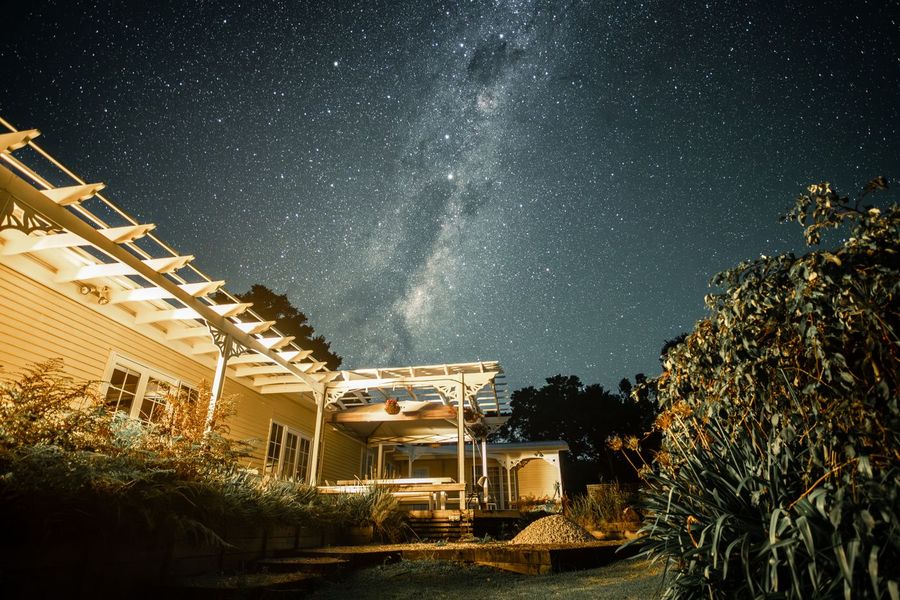
Photos on Pexels: Desert hills (opens new window) by Radis B, Forest road (opens new window) by Andreas Fickl, Rocky coast (opens new window) by Donovan Kelly, Snow field (opens new window) by Daniil Ustinov, Alpine lake (opens new window) by Robert Pügner, Canyon (opens new window) by Lindsey Willard, Night sky (opens new window) by Guillaume Meurice.
# When to use Image2Pano vs Edit
| Goal | Prefer |
|---|---|
| Flat or partial image → full 360° skybox | Image2Pano |
| Patch a region of an existing skybox | Edit |
Edit how-to: Edit.