
# History and projects
How generations are saved and how to organize them in the web app.
# History
Every completed generation is saved under History. Recent Generations on the viewer is the short list for the current session. If you leave the page without generating, unsaved prompt and style settings are lost.
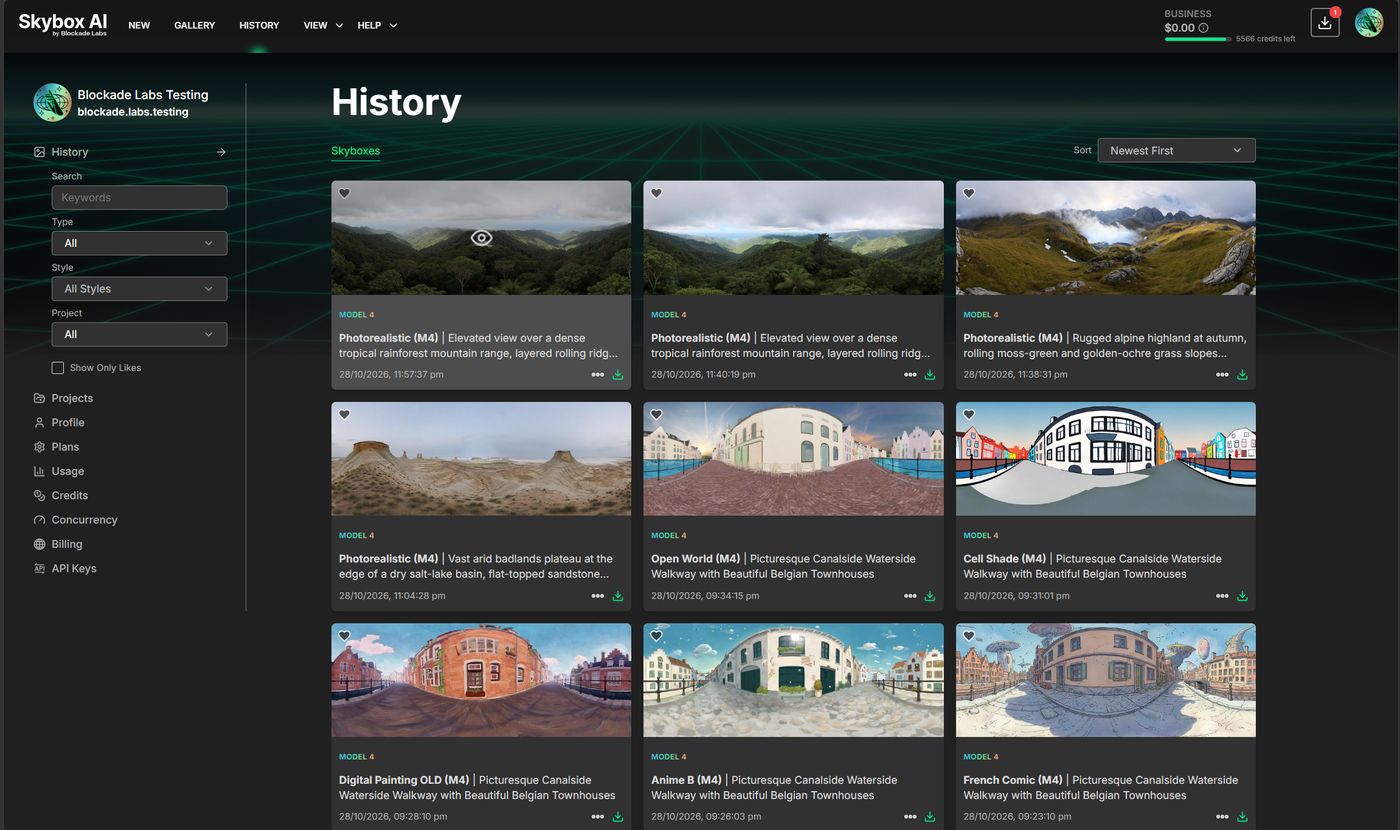
The left side filters the grid:
| Control | What it does |
|---|---|
| Search | Keywords in the skybox |
| Type | Kind of generation |
| Style | Style used. All Styles shows every style |
| Project | Skyboxes in one project. All shows every project |
| Show Only Likes | Hearted skyboxes only |
| Sort | Newest First and the other orders |
Each card shows the skybox, a style badge, the title, and the date. The heart saves it to Likes. The download icon saves the file. The ... menu is on the card.
Workspace overview: Workspace. Like on the prompt bar: Share, Download, and Like.
# Projects
Projects groups skyboxes for a game, film, or client. Create New Project adds one. Search and Sort work the same way as History.
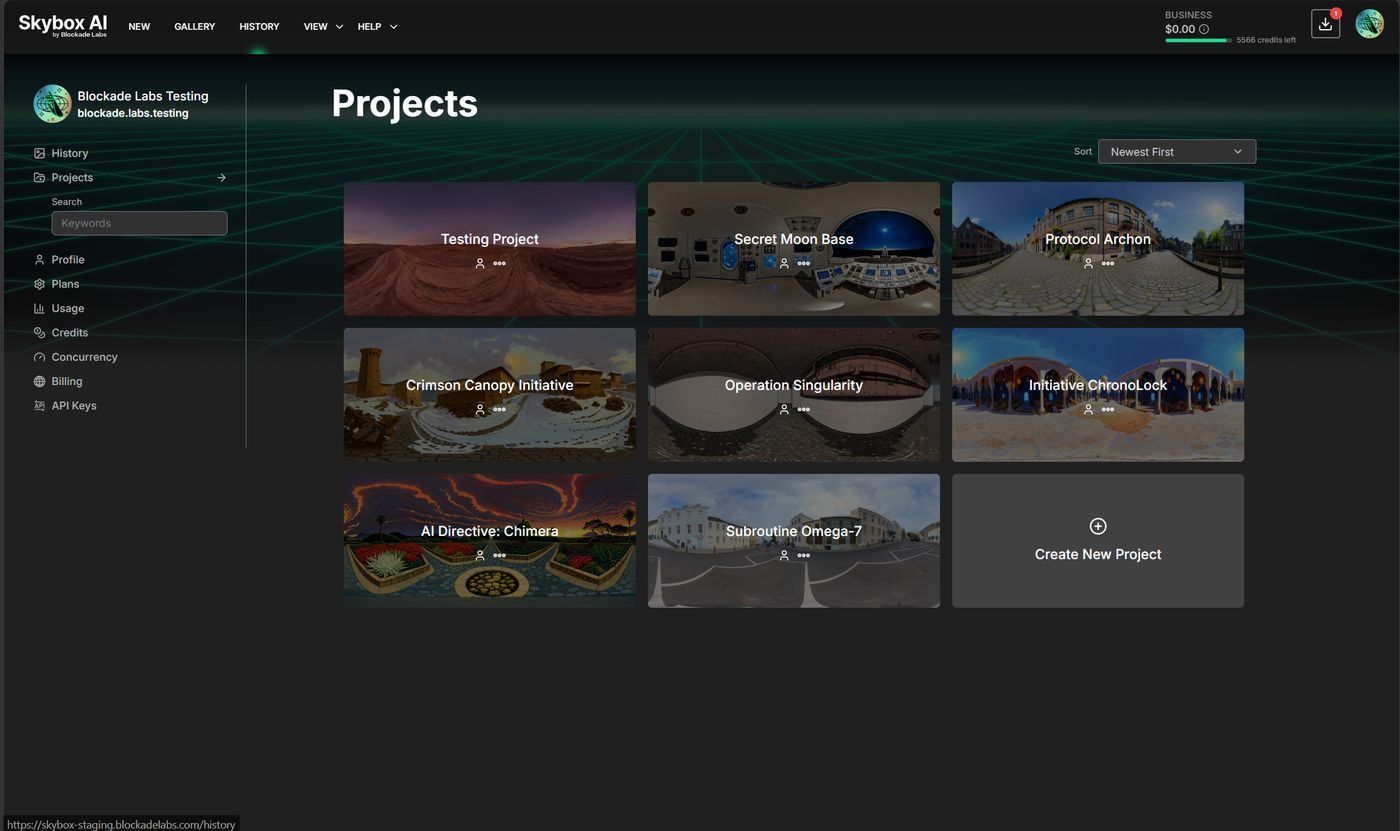
The ... menu on a project is Rename, Copy ID, and Delete.
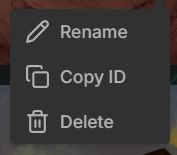
Copy ID is the Project ID. On the API, pass it as remix_collection_id to remix from a random completed skybox in that project. Example: Remix using a random skybox from a previously created project.